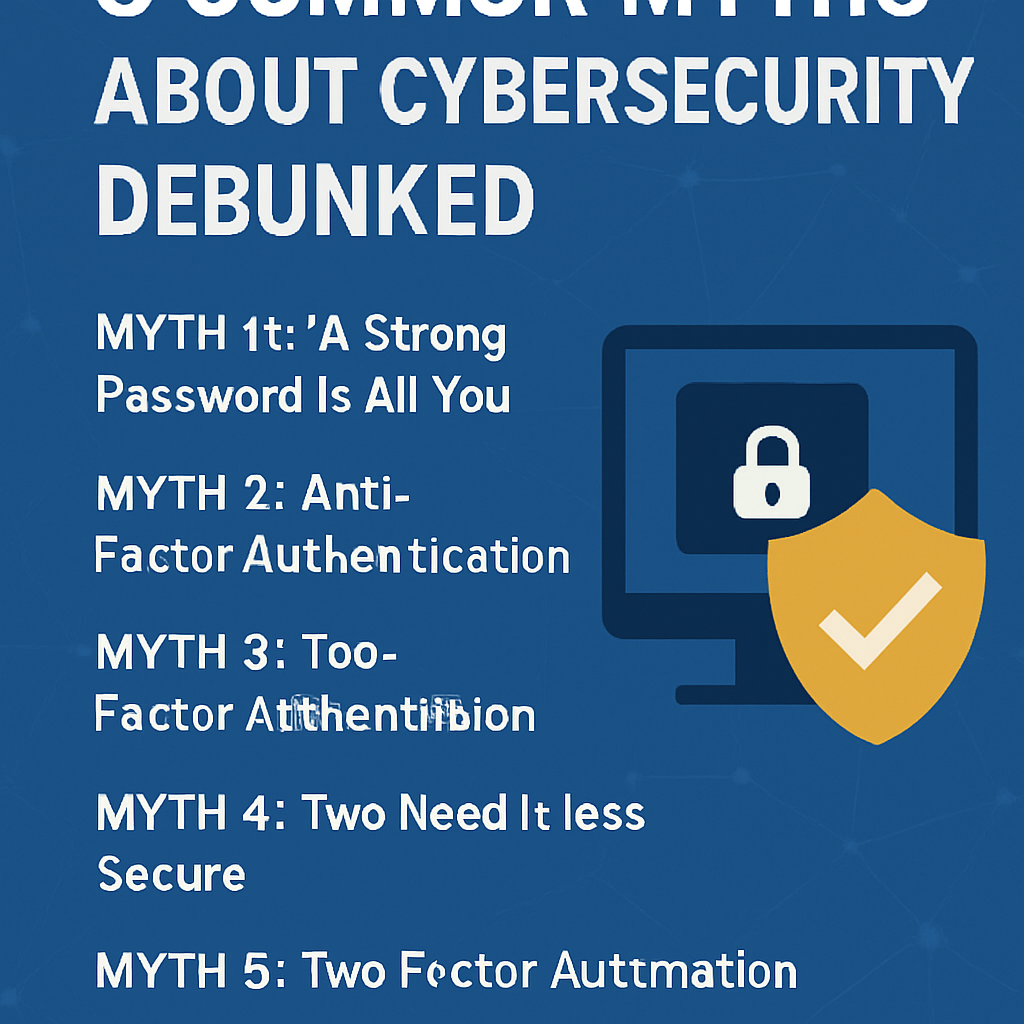
| Myth | Reality |
|---|---|
| Small businesses are too small to be targeted by attackers. | Most attacks are automated and scan for any exposed weakness regardless of company size; small businesses are frequently targeted precisely because their defenses tend to be weaker. |
| Buying more security software closes most of the risk. | A short list of process controls, MFA, patching, backups, access reviews, and training, closes the large majority of real-world incidents; tools support these controls but do not replace them. |
| A cybersecurity checklist is a one-time project. | Controls like patching, backup testing, and access reviews only work if repeated on a schedule; a checklist done once and never revisited decays within months. |
| Employee training is a soft, low-priority item. | Human error and social engineering remain leading causes of breaches; trained employees are one of the highest-leverage controls on this entire list. |
Why a Prioritized Controls Checklist Beats a Tool Shopping List
Small business owners are often told to “improve their cybersecurity” without being told which specific actions actually reduce risk the most. The result is scattered spending: an antivirus subscription here, a firewall appliance there, without ever touching the handful of controls that close the overwhelming majority of real-world incidents. This checklist takes the opposite approach. It lists 20 concrete controls, ranked roughly by risk-reduction impact, so you can work down the list in order rather than guessing where to start.
This is deliberately a controls and process checklist, focused on what to do, not a shopping list of what to buy. If you want specific product recommendations to help implement the controls below, our roundup of the top 10 cybersecurity tools for small businesses pairs well with this list.
Tier 1: The Five Highest-Impact Controls
If you can only do five things this quarter, do these. Together, they address the vast majority of how small businesses actually get breached: stolen credentials, unpatched software, and unrecoverable data loss after an incident.
- Multi-factor authentication on every business account. Email, cloud storage, banking, and admin consoles should all require a second factor beyond a password. This single control blocks the overwhelming majority of automated account takeover attempts, even when a password has already leaked.
- A tested, offline or immutable backup. Maintain at least three copies of critical data, on two different types of storage, with one copy kept offline or immutable so ransomware cannot reach and encrypt it. Test restoring from backup on a schedule, not just after an incident.
- Automatic patching for operating systems and key software. Unpatched software is one of the most common entry points attackers use. Turn on automatic updates wherever possible and track any systems that cannot be updated automatically.
- Endpoint protection with detection, not just antivirus. Modern endpoint detection tools spot suspicious behavior, not just known malware signatures, catching threats that traditional antivirus alone would miss.
- A written incident response contact list. A one-page document naming who to call first, IT provider, legal counsel, cyber insurance carrier, saves critical time during the first chaotic hour of a real incident.
| Control | Risk it primarily reduces | Typical setup effort |
|---|---|---|
| Multi-factor authentication | Account takeover from stolen or guessed passwords | Low, a few hours across all accounts |
| Tested offline backups | Permanent data loss from ransomware or hardware failure | Medium, ongoing testing required |
| Automatic patching | Exploitation of known software vulnerabilities | Low, mostly configuration |
| Endpoint detection and response | Malware and suspicious behavior that bypasses basic antivirus | Medium, requires a monitored product |
| Incident response contact list | Slow, disorganized response during an active incident | Low, a single document to maintain |
Tier 2: Controls That Close the Next Layer of Risk
- Least-privilege access. Give employees access only to the systems and data their role requires, not broad admin access by default.
- Quarterly access reviews. Periodically review who has access to what, and remove access that is no longer needed, especially for former employees and old contractor accounts.
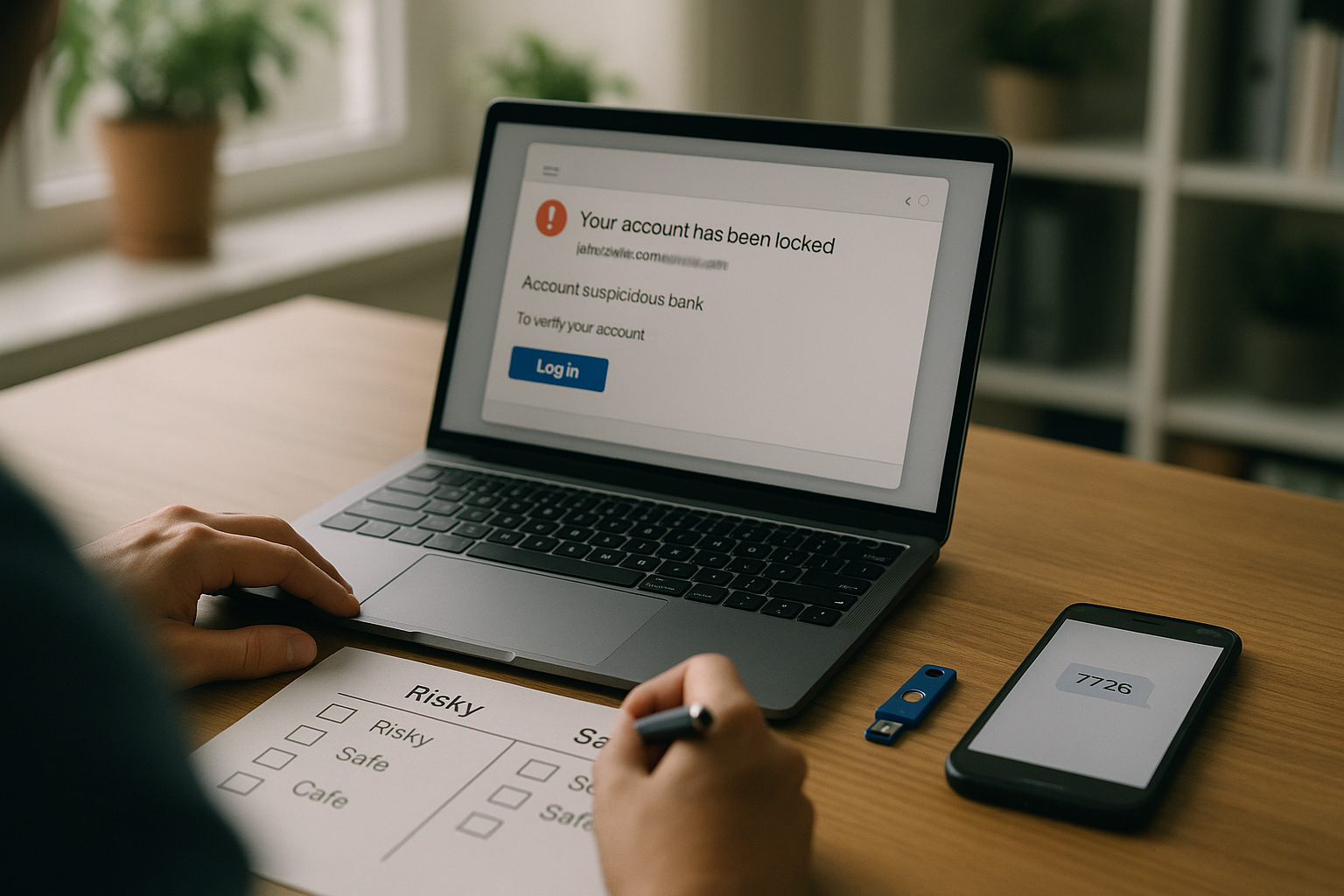
- Email filtering and phishing protection. Configure spam and phishing filters at the mail provider level, since email remains the most common delivery method for both malware and credential theft attempts.
- Employee security awareness training. Regular, short training sessions on recognizing scams and phishing attempts materially reduce successful social engineering incidents.
- Device encryption on laptops and mobile devices. Full-disk encryption ensures a lost or stolen device does not expose stored business data.
Tier 3: Controls That Round Out a Strong Baseline
- A written, tested incident response plan. Beyond a contact list, a short document outlining containment, communication, and recovery steps for a serious incident, reviewed at least annually.
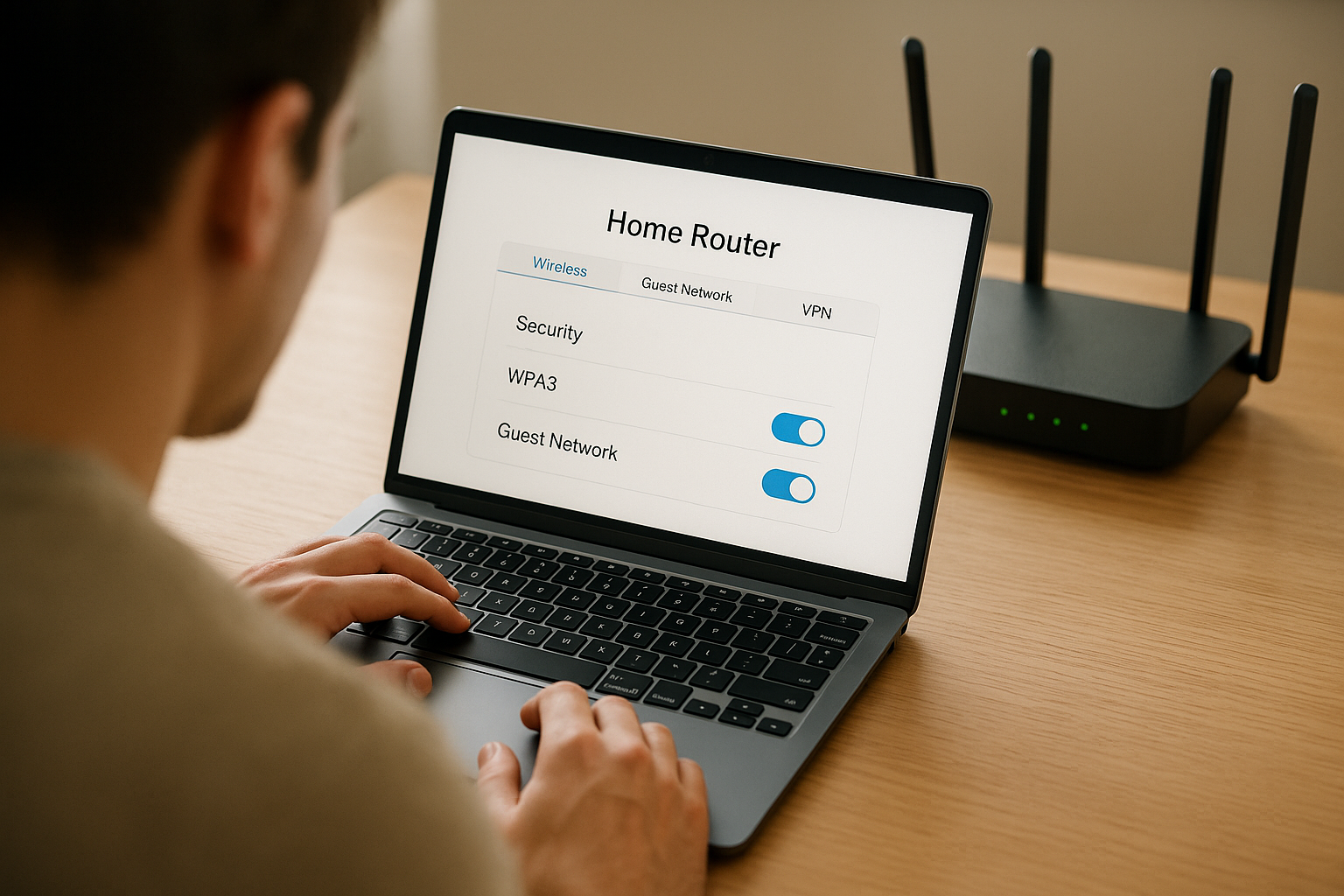
- Secured Wi-Fi and network segmentation. Guest and business networks should be separated, and business Wi-Fi should use strong, unique credentials and modern encryption.
- Vendor and third-party access review. Track which outside vendors have access to your systems or data, and confirm they meet baseline security expectations.
- Mobile device management for company devices. Centralized management lets you enforce encryption, remote wipe, and update policies across company phones and laptops.
- Formal offboarding checklist. A documented process to revoke all access, company and third-party, on an employee’s last day, not days or weeks later.
Tier 4: Controls That Add Resilience and Accountability
- Cyber insurance with verified coverage. A policy that matches your actual risk profile, reviewed against what incidents it actually covers, not just its headline coverage limit.
- Logging and basic monitoring. Centralized logs for key systems make it possible to reconstruct what happened during an incident and detect unusual activity sooner.
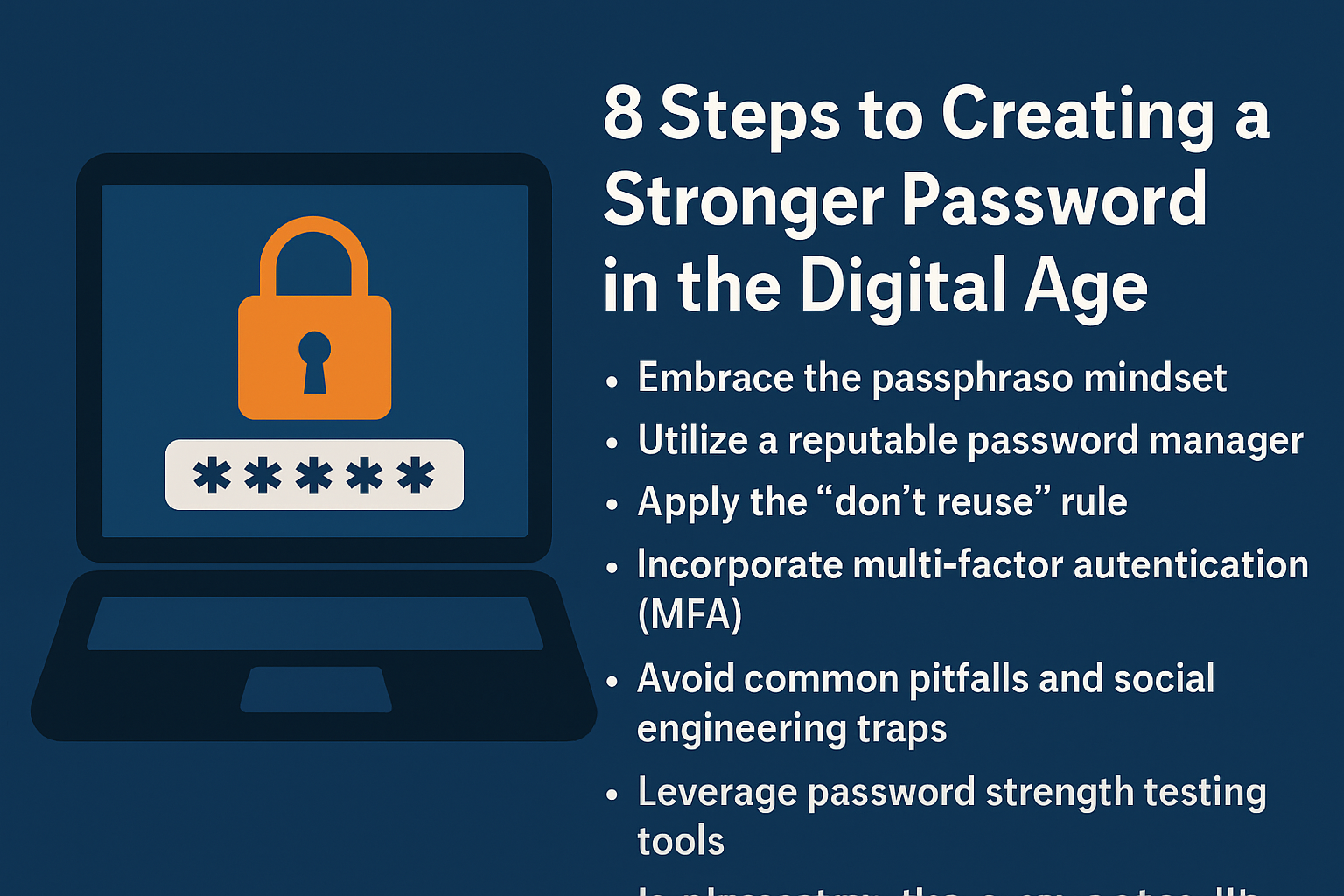
- A password manager deployed company-wide. Removes password reuse and weak passwords as a routine failure point across the whole team.
- Regular tabletop exercises. A short, low-cost simulated walkthrough of a breach scenario surfaces gaps in your incident response plan before a real incident does.
- A named security owner. Even in a small business, one person should be explicitly accountable for tracking whether these controls stay current, rather than leaving security as an unassigned, ambient responsibility.
How the four tiers stack to cover roughly 90 percent of risk
Tier 1’s five controls address the largest share of real-world incidents on their own. Tier 2 closes most of what remains from human error and unmanaged access. Tier 3 adds resilience for when something does go wrong despite the first two tiers. Tier 4 adds accountability and financial backstops so gaps get caught and costs get contained.
How to Sequence This Checklist Over a Quarter
Trying to implement all 20 controls simultaneously usually stalls out. A more realistic sequence for a small team with limited dedicated IT time looks like this:
- Week 1 to 2: Turn on multi-factor authentication everywhere and confirm automatic patching is active on all devices.
- Week 3 to 4: Set up and test an offline or immutable backup, and document your incident response contact list.
- Month 2: Roll out endpoint detection, tighten access to least-privilege, and schedule your first access review.
- Month 3: Deploy email filtering improvements, run a first employee training session, and confirm device encryption is enabled everywhere.
- Ongoing quarterly cadence: Work through Tiers 3 and 4 over the following two quarters, then shift into a recurring review cycle rather than a one-time project.
Common mistake
The most frequent failure is treating this checklist as a one-time setup project rather than an operating cadence. A business that enables every control perfectly in month one, then never revisits patch status, backup tests, or access reviews again, will quietly drift out of compliance within two to three quarters as new employees join, new tools get adopted, and configurations get changed for convenience.
What worked
Small businesses that succeeded long-term assigned a specific recurring calendar event, monthly or quarterly, to review this exact list against current reality: is MFA still enforced for everyone, are backups still restoring successfully, has anyone been added with access they should not have. Treating the checklist as a living review rather than a one-time deployment was the single biggest factor separating businesses that stayed protected from those that slowly drifted back to risk.
Frequently Overlooked Items in Small Business Security Checklists
- Backup restore testingHaving a backup is not the same as having a backup that actually restores correctly; schedule periodic test restores, not just backup jobs.
- Shared account eliminationShared logins used by multiple employees make it impossible to know who took a given action; replace them with individual accounts wherever possible.
- Former employee cleanupOld accounts for people who left months ago are a common, quietly forgotten source of unnecessary access.
- Firmware updates on network hardwareRouters and firewalls need updates too, not just laptops and servers; these devices are often left on default, outdated firmware for years.
- Physical device disposalOld laptops and drives should be securely wiped before disposal or resale, not simply deleted or thrown away.
- Insurance coverage verificationConfirm your cyber insurance policy actually covers ransomware, business interruption, and notification costs; many businesses discover coverage gaps only after an incident.
Glossary
- Endpoint detection and response (EDR)
- Security software that monitors devices for suspicious behavior patterns, not just known malware signatures, and can automatically contain a threat.
- Least-privilege access
- A security principle in which users are given only the minimum system and data access necessary to perform their specific role.
- Immutable backup
- A backup copy that cannot be altered or deleted for a set period, even by an attacker with administrative access, protecting it from ransomware encryption.
- Tabletop exercise
- A structured discussion-based simulation where a team walks through how they would respond to a hypothetical security incident, used to find gaps in a response plan.
- Access review
- A periodic audit of who has access to which systems and data, used to remove unnecessary or outdated permissions.
- Mobile device management (MDM)
- Software that lets a business centrally enforce security settings, such as encryption and remote wipe, across company-owned phones and laptops.
Key Takeaways
- A short list of concrete controls, not a larger security budget, closes the majority of small business cyber risk.
- Multi-factor authentication, tested backups, automatic patching, endpoint detection, and an incident contact list form the highest-impact starting tier.
- Least-privilege access, regular access reviews, and employee training close most of the risk that remains after Tier 1.
- This checklist is a controls and process list, not a tool shopping list; specific product recommendations are covered separately.
- Sequence implementation over a quarter rather than attempting all 20 controls simultaneously.
- Treat this checklist as a recurring review cadence, since controls decay in effectiveness if never revisited.
- Verify cyber insurance coverage actually matches your real risk profile rather than assuming a policy covers ransomware and business interruption by default.
FAQs
What is the single highest-impact cybersecurity control for a small business?
Multi-factor authentication on every business account is generally the single highest-impact control, since it blocks the overwhelming majority of automated account takeover attempts even when a password has already been stolen or guessed.
How often should backups be tested?
Test backup restoration at least quarterly, and immediately after any significant change to your backup configuration or storage provider, since an untested backup may fail silently for months before anyone discovers the problem during an actual emergency.
Do I need a dedicated IT person to implement this checklist?
No, many of these controls, such as enabling multi-factor authentication, automatic patching, and device encryption, can be configured by a business owner or general staff member following vendor documentation, though larger or more complex environments benefit from dedicated or outsourced IT support.
How is this checklist different from a list of security tools to buy?
This checklist focuses on actions and processes, what to configure, review, and repeat, rather than specific products to purchase. Tools can support several of these controls, but the controls themselves are what actually reduce risk.
What should a small business do first if it has done nothing yet?
Start with the five Tier 1 controls: multi-factor authentication everywhere, a tested offline backup, automatic patching, endpoint detection, and a written incident response contact list, since these address the largest share of real-world incidents.
How often should employee security training happen?
Short training sessions on recognizing phishing and scam patterns should happen at least twice a year, with additional brief reminders after any new scam trend becomes widespread, since threat patterns and tactics continue to evolve.
Is cyber insurance a replacement for these controls?
No. Cyber insurance is a financial backstop, not a substitute for the controls themselves. In fact, most insurers now require proof of controls like multi-factor authentication, tested backups, and endpoint protection before issuing or renewing a policy.
How do I know if this checklist is actually working?
Track completion against a recurring calendar review, monitor whether access reviews and backup tests are actually happening on schedule, and periodically run a tabletop exercise to confirm the incident response plan works in practice, not just on paper.
References
- JumpCloud, “Small Business Cybersecurity Checklist: Essential Steps”
- NordLayer, “2026 Cybersecurity Checklist for Small Business”
- Cyber Unit, “The Small Business Cybersecurity Checklist for 2026”
- Simplified Solutions, “Small Business Cybersecurity Checklist: A Step-by-Step Protection Plan for 2026”
- SRS Networks, “Small Business Cybersecurity Checklist: A Practical Guide for 2026”
Pair this checklist with our guide to the 3-2-1-1-0 backup strategy explained with real tooling, secure your office network using our guide to securing a home office network in 12 steps, review your coverage with our overview of cyber insurance for small businesses, understand your obligations in our guide to incident reporting obligations for small companies, and if an incident does occur, our ransomware recovery plan playbook covers the response steps in detail.