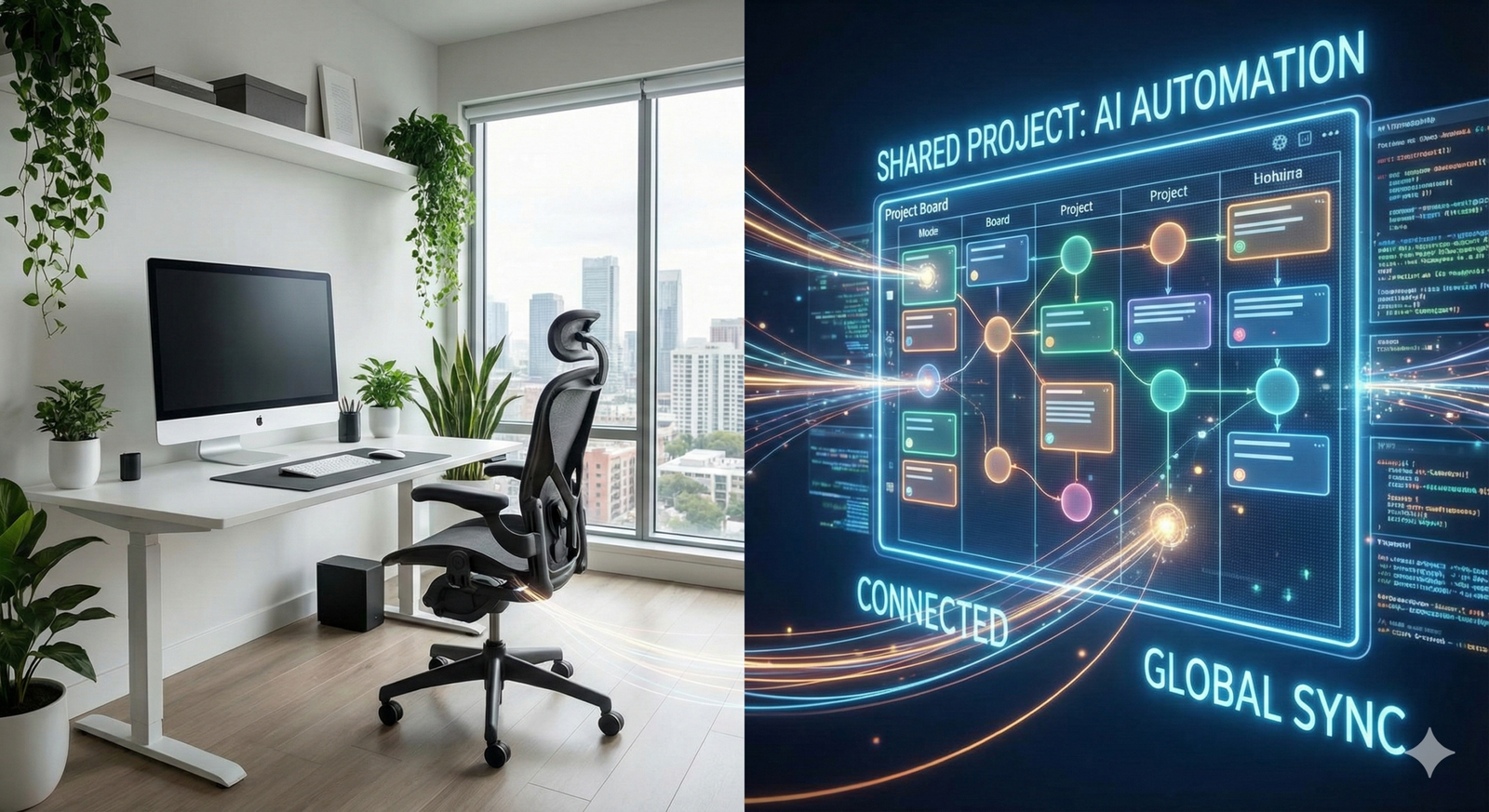
The landscape of remote work has shifted dramatically from the frantic adaptation phase of the early 2020s to the mature, optimized distributed models we see today in 2026. Central to this evolution is the integration of Artificial Intelligence (AI) into the very fabric of how teams communicate, plan, and execute. We have moved beyond simple chatbots and spellcheckers; today, AI productivity tools for remote collaboration act as intelligent intermediaries, managing the friction that distance often creates.
For distributed teams, the challenge has never been just about “being online”; it is about alignment, context, and the preservation of human energy. When team members are spread across time zones, the administrative burden of staying in sync can easily outpace the actual work. This guide explores how the latest generation of AI tools is dismantling these barriers, turning the potential chaos of remote work into a streamlined, highly productive advantage.
In this comprehensive guide, “AI productivity tools” refers to software applications that leverage machine learning, large language models (LLMs), and predictive analytics to automate cognitive tasks, facilitate communication, and optimize workflows for teams that do not share a physical location.
Key Takeaways
- Context is King: New AI tools don’t just summarize text; they preserve the context of decisions across different platforms (Slack, Jira, Zoom), reducing the “knowledge silo” effect common in remote teams.
- The End of Meeting Fatigue: Agentic AI can now attend meetings on your behalf, capturing not just transcripts but sentiment, action items, and strategic nuances, allowing for true asynchronous participation.
- Asynchronous is Default: AI empowers “async-first” cultures by turning raw updates into polished briefs, ensuring that information flows smoothly without requiring simultaneous presence.
- Visual Intelligence: Generative AI has transformed virtual whiteboards from static canvases into active brainstorming partners that can visualize concepts in real-time.
- Translation is Seamless: Language barriers are evaporating as real-time, context-aware AI translation allows global teams to collaborate in their native tongues with high accuracy.
Who this is for (and who it isn’t)
This guide is designed for:
- Remote Team Leads and Managers: Those struggling to maintain visibility and cohesion without micromanaging.
- Digital Nomads and Freelancers: Individuals who need to integrate seamlessly into client workflows while managing their own overhead.
- Operations and HR Professionals: Decision-makers evaluating the tech stack required to support a sustainable hybrid or fully remote workforce.
- Product and Engineering Teams: Groups relying on complex, asynchronous hand-offs where precision is critical.
This guide is NOT for:
- Seekers of “Set it and Forget it” Magic: AI enhances collaboration but requires human oversight and strategic implementation. It is not a replacement for leadership.
- Strictly In-Office Organizations: While these tools add value anywhere, their primary utility—bridging distance—is less relevant for teams that share a physical whiteboard daily.
The Evolution of the “24-Hour Teammate”
To understand the impact of AI on remote collaboration, we must first look at the role it now plays: the “24-hour teammate.” In the past, software was a passive tool—a repository where you stored information. Today, AI productivity tools for remote collaboration are active participants.
From Passive Storage to Active Retrieval
In traditional remote setups, if a developer in London needed clarification on a design brief from a designer in San Francisco, they had two choices: wait eight hours for the designer to wake up, or dig through fragmented Slack threads and Google Drive folders hoping to find the answer.
As of January 2026, AI-integrated knowledge bases (like those found in updated versions of Notion, Atlassian, and Glean) actively index every interaction a company has. The developer can now ask the AI, “What was the decision regarding the button radius in last Tuesday’s design review?” and the AI will synthesize the answer from the transcript of a Zoom meeting, a Jira comment, and a Figma annotation. This capability essentially flattens time zones, allowing the “night shift” to collaborate with the “day shift” without lag.
The Shift to “Agentic” Collaboration
We are witnessing the rise of “Agentic AI”—systems capable of taking autonomous actions based on triggers. In a remote context, this means an AI agent can observe a project delay in a tracking tool, identify the dependency causing it, and draft a message to the relevant stakeholder suggesting a timeline adjustment—all before a human manager even logs on. This proactivity is the defining characteristic of modern remote productivity.
AI Meeting Assistants: Beyond Simple Transcription
The most immediate pain point in remote work is the meeting overload. Video calls are high-bandwidth but low-retention. You have to be there to get the value, or so it used to be.
The Rise of Intelligent Recaps
Tools like Otter.ai, Fireflies.ai, and Microsoft Copilot have matured significantly. It is no longer about getting a “transcript”—a wall of text that nobody reads. Modern AI productivity tools for remote collaboration generate “Intelligent Recaps.”
These recaps distinguish between:
- Decisions Made: Hard commitments agreed upon during the call.
- Action Items: Specific tasks assigned to specific individuals with due dates.
- Open Questions: Topics that were discussed but not resolved.
- Sentiment Analysis: Identifying moments of hesitation, excitement, or conflict in the conversation.
In Practice: A product manager can skip a routine status update meeting. Later, they review the AI summary. If the sentiment analysis flags “concern” regarding a specific feature launch, the manager can watch just that 2-minute clip of the recording to understand the nuance, saving 58 minutes of their day.
Real-Time Co-Piloting
During the meeting itself, AI is now acting as a facilitator. If a team member mentions, “We need to look at the Q3 data,” the AI assistant can surface the Q3 data link in the chat window instantly. If the conversation circles in loops, the AI can nudge the moderator that “10 minutes have been spent on this agenda item, moving to next topic recommended.”
This reduces the cognitive load on the remote worker, who is often toggling between screen sharing, note-taking, and active listening. By offloading the retrieval and documentation tasks, the human participants can focus on the collaboration itself.
Asynchronous Communication: The “Clean-Up” Effect
Asynchronous communication (messaging that doesn’t require an immediate response) is the gold standard for remote work, but it often suffers from clarity issues. Text lacks tone, and hurried Slack messages can be misinterpreted.
AI Writing Assistants as Clarity Filters
AI writing tools integrated into platforms like Slack, Microsoft Teams, and email clients (e.g., GrammarlyGO, Lavender) serve as a layer of quality control. Before a message is sent, the AI can rewrite it to be more concise, adjust the tone to be more diplomatic, or restructure a “wall of text” into a scannable bulleted list.
For remote teams, this minimizes the “back-and-forth” tax. A clearly written, AI-assisted project brief reduces the need for three follow-up meetings to clarify what was meant.
Converting Formats Instantly
One of the most powerful uses of AI productivity tools for remote collaboration is format conversion.
- Voice to Text: A manager can record a 3-minute rambling voice note while walking their dog. The AI converts this into a structured memo, removing “umms,” organizing points logically, and formatting it for a team update.
- Text to Presentation: A writer can draft a blog post, and the AI can automatically generate a slide deck summarizing the key points for a team presentation.
This flexibility allows remote workers to communicate in the medium that suits them (e.g., voice), while the recipient receives the information in the medium that suits them (e.g., text).
AI-Enhanced Project Management
Project management tools have traditionally been needy; they require constant manual updating to remain useful. AI is turning them into self-driving entities.
Predictive Timelines and Resourcing
Tools like Asana, Monday.com, and ClickUp utilize AI to analyze historical data. If a remote team historically takes 14 days to complete a “Phase 1 Design” task, but the manager schedules it for 7 days, the AI will flag this as a risk.
In a remote setting where you cannot physically see a team member struggling or looking stressed, these predictive analytics serve as an early warning system. They help prevent burnout by flagging when a team member is over-allocated based on their actual historical velocity, not just their theoretical capacity.
Automated Task Dependency Management
In complex remote projects, a delay in London affects a deadline in Tokyo. AI tools map these dependencies dynamically. If a task is marked “blocked,” the AI can automatically notify downstream stakeholders and suggest a revised schedule. This eliminates the “surprise delay” that often breeds mistrust in remote teams.
Visual Collaboration and Generative Ideation
Remote brainstorming used to be the Achilles’ heel of distributed work. Physical whiteboards are tactile and fast; digital ones were often clunky. Generative AI has reversed this dynamic.
The “Infinite Intern” in Design
Platforms like Miro and Canva now incorporate generative AI that allows teams to brainstorm visually at the speed of thought.
- Scenario: A team is brainstorming a new marketing campaign.
- Action: A user types “sticky notes for 10 distinct marketing angles for a coffee brand.”
- Result: The AI populates the board instantly. The team can then group them, ask the AI to “expand on cluster B,” or “generate images for concept C.”
This capability keeps the energy of a remote brainstorming session high. Instead of watching one person awkwardly draw a box, the AI generates the scaffolding, and the humans spend their time refining and curating the ideas.
Bridging the Skill Gap
Not every remote collaborator is a visual designer. AI tools allow a non-designer to describe a flowchart or a wireframe in text, and the system renders it visually. This democratizes collaboration, ensuring that the best idea wins, not just the idea presented by the person with the best Photoshop skills.
Overcoming Language and Cultural Barriers
For truly global remote teams, language is a significant friction point. Even when English is the common business language, proficiency varies, leading to miscommunication and exclusion.
Real-Time Contextual Translation
Tools like DeepL and specialized features in Zoom and Teams now offer real-time translation that is context-aware. Unlike older translation models that translated word-for-word, 2026-era LLMs understand idioms and industry jargon.
If a developer in Brazil types a message in Portuguese using technical slang, the AI translates it into English for the US counterpart, preserving the technical accuracy. This allows team members to express themselves in the language where they are most precise and cognitively comfortable, boosting the quality of their contribution.
Cultural Intelligence Coaches
Emerging AI tools provide “cultural nudges.” If a US manager is writing feedback to a team member in a culture known for high-context, indirect communication (like Japan), the AI might suggest softening the directness of the criticism to ensure it lands constructively. These subtle interventions prevent interpersonal friction that is hard to repair remotely.
Common Mistakes and Pitfalls
While AI productivity tools for remote collaboration offer immense value, they introduce new risks that organizations must manage.
The “Hallucination” of Consensus
AI meeting summaries are prone to hallucinations—inventing facts or agreements that didn’t happen.
- The Risk: An AI summary might state, “John agreed to finish the code by Friday,” when John actually said, “I might finish by Friday if the data is ready.”
- The Fix: Teams must treat AI summaries as drafts, not legal records. A designated human (rotational role) must validate the AI summary before it becomes the system of record.
The “Lazy Manager” Syndrome
There is a temptation for managers to rely solely on AI sentiment analysis to gauge team morale. Relying on a dashboard that says “Team Morale: 92%” is dangerous if you aren’t having actual 1:1 conversations. AI cannot detect the silence of a disengaged employee who has simply stopped caring enough to use negative language.
Data Privacy and Shadow AI
Remote workers often use personal devices or unauthorized tools to get work done faster. If a worker pastes proprietary code or sensitive customer data into a public, unsecure AI model to “format it,” that data may be compromised.
- The Fix: Organizations must provide enterprise-grade, private instances of these tools so employees aren’t tempted to use free, insecure versions.
Step-by-Step Implementation Guide
Adopting these tools requires a deliberate strategy to avoid tool fatigue.
Phase 1: Audit and Consolidate (Weeks 1–2)
Before adding new AI tools, audit your current remote stack.
- Do you need a separate transcription tool, or does your video conferencing platform now offer it natively?
- Identify the biggest friction point: Is it meeting overload? Finding documents? Language barriers?
- Action: Pick ONE problem to solve first.
Phase 2: Pilot with a “Champion” Squad (Weeks 3–6)
Select a single remote team (e.g., the Marketing team) to pilot the new tool.
- Define success metrics (e.g., “Time spent in meetings reduced by 20%” or “Search retrieval time reduced to <1 minute”).
- Action: Implement the tool and run a weekly retro specifically on the tool’s usage.
Phase 3: Define the “Human-in-the-Loop” Protocol (Week 7)
Establish the rules of engagement.
- Rule Example: “All AI-generated code must be peer-reviewed.”
- Rule Example: “AI meeting summaries must be verified by the host within 24 hours.”
- Action: update your Remote Work Handbook to include AI guidelines.
Phase 4: Rollout and Training (Week 8+)
Deploy to the wider organization.
- Focus training not just on how to use the tool, but when to use it.
- Action: Create an internal “Prompt Library” of effective prompts specific to your company’s workflows.
Technical Considerations and Integration
When selecting AI productivity tools for remote collaboration, technical compatibility is paramount. A tool that stands alone is a silo; a tool that integrates is a bridge.
The API Ecosystem
The most valuable AI tools are those that connect via API to your “Source of Truth.”
- Integration Example: An AI meeting assistant (Otter.ai) should push notes directly into the CRM (Salesforce) or the Project Tracker (Jira). If it requires a human to copy-paste, the friction will eventually kill the adoption.
- Searchability: Ensure the output of your AI tools is searchable within your enterprise search platform.
Cost vs. Value
AI features are increasingly being bundled into existing enterprise licenses (e.g., Microsoft 365 Copilot, Google Workspace Gemini).
- Decision Point: Before buying a niche AI tool for $30/user/month, verify if your existing $50/user/month suite already released a similar feature last week. The pace of updates in this sector is blistering; redundancy is a constant financial risk.
The Human Element: Authenticity in an AI World
As we lean on machines to summarize, write, and schedule, we risk stripping the humanity out of our remote interactions. A team that only reads AI summaries of each other loses the ability to empathize.
To counter this, smart remote teams use the time saved by AI to invest in high-bandwidth human connection.
- Use the hour saved on status updates to have a virtual coffee chat where work is not discussed.
- Use the mental energy saved on scheduling to write a personalized note of appreciation to a colleague.
AI should be viewed as the infrastructure that supports the house, not the people living inside it. It handles the plumbing and the electricity so the humans can focus on the art and the conversation.
Conclusion
By 2026, the question is no longer “Should we use AI for remote work?” but “How deeply can we integrate it?” AI productivity tools for remote collaboration offer the only scalable solution to the complexity of distributed organizations. They solve the asynchronous puzzle, break down language barriers, and recover lost time from the black hole of administrative overhead.
However, success lies not in the software but in the strategy. The organizations that thrive will be those that use AI to clear the clutter, allowing their remote employees to do what humans do best: think creatively, solve complex problems, and build relationships across the digital divide.
Next Step: Audit your team’s calendar for next week; identify three recurring meetings that could be replaced by an AI-generated asynchronous update, and run a one-week experiment to cancel them.
FAQs
Q: Will AI productivity tools replace remote project managers? A: No, but they will change the role. Project managers will spend less time chasing status updates and organizing tickets, and more time on strategy, stakeholder management, and unblocking complex interpersonal issues. AI replaces the administration of management, not the leadership.
Q: Are AI meeting assistants legal to use without consent? A: Laws vary by jurisdiction (e.g., “two-party consent” states in the US, GDPR in Europe). Best practice and ethical compliance dictate that you always disclose the presence of an AI recorder at the start of a meeting and obtain consent from all participants. Most enterprise tools have built-in notifications for this reason.
Q: How do we prevent AI tools from training on our proprietary data? A: This is a critical security configuration. When selecting tools, look for “Zero Day Retention” policies or “Enterprise” tiers that explicitly state user data is excluded from the vendor’s model training sets. Never input trade secrets into free, public-tier AI models.
Q: Can AI tools help with remote team culture? A: Indirectly, yes. By removing the drudgery of administrative tasks and clarifying communication, AI reduces burnout and frustration, which are culture killers. Some tools also analyze communication patterns to flag if certain team members are being isolated, allowing managers to intervene.
Q: What is the best AI tool for asynchronous video updates? A: As of 2026, tools like Loom (enhanced with AI titles, summaries, and action items) and specialized platforms like Claap serve this niche well. They allow users to record screen/video updates that are automatically indexed and searchable, making them far superior to static video files.
Q: How accurate are AI translations for business contracts? A: While AI translation has improved mostly for conversational and technical fluency, it should not be relied upon for binding legal contracts without human review. The nuance of legal terminology (legalese) varies significantly between jurisdictions, and AI can still miss these critical subtleties.
Q: Do these tools work for hybrid teams, or just fully remote ones? A: They are excellent for hybrid teams. In fact, they are crucial for “leveling the playing field.” AI transcription ensures that people dialing in remotely have the same record of the meeting as those whispering in the conference room, reducing the “proximity bias” often found in hybrid setups.
Q: What hardware is needed to maximize these AI tools? A: Most processing happens in the cloud, so standard laptops suffice. However, high-quality microphones are essential. AI transcription struggles with poor audio quality, echo, and background noise. Investing in noise-canceling headsets for remote staff significantly improves the accuracy of AI outputs.
References
- Microsoft WorkLab. (2025). The Future of Work: AI’s Impact on Distributed Teams. Microsoft. https://www.microsoft.com/en-us/worklab
- Atlassian. (2025). State of Teams Report 2025: Asynchronous Work Trends. Atlassian. https://www.atlassian.com/blog/state-of-teams
- Slack. (2024). The State of Work: AI and Automation. Salesforce. https://slack.com/blog/news/state-of-work-2024
- Otter.ai. (2025). Enterprise Security and Data Privacy Guidelines. Otter.ai. https://otter.ai/privacy-security
- Harvard Business Review. (2025). How AI Is Changing the Role of Middle Management. HBR.org. https://hbr.org/
- Nielsen Norman Group. (2024). User Experience in AI-Driven Collaboration Tools. NN/g. https://www.nngroup.com/articles/
- GitLab. (2025). The Remote Playbook: incorporating AI into workflows. GitLab. https://about.gitlab.com/company/culture/all-remote/guide/
- DeepL. (2025). Accuracy in Technical Translation: A Benchmark Study. DeepL. https://www.deepl.com/blog