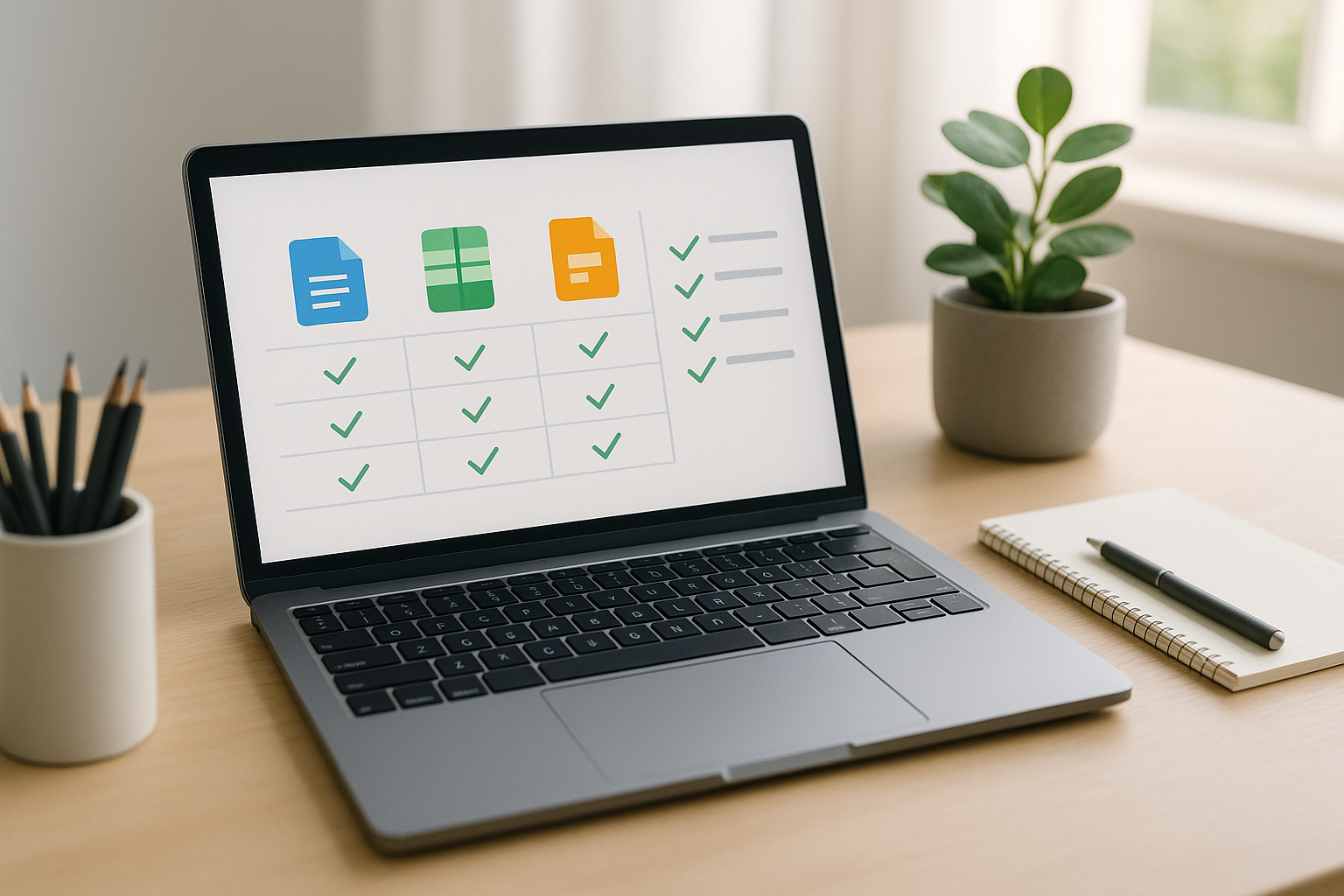
If you’re looking for open source alternatives to Microsoft Office, you’ve got robust options that cover documents, spreadsheets, and presentations—plus real-time collaboration and self-hosting for more control. In short: these suites let you create, edit, and share Office-style files without vendor lock-in, often with strong compatibility and zero licensing fees. To choose quickly, work through this fast path:
- Clarify needs: offline desktop, browser-based, or both.
- Map files: list critical DOCX/XLSX/PPTX you must keep pristine.
- Decide hosting: local app vs. self-hosted server vs. trusted host.
- Pilot: test your trickiest files and workflows.
- Roll out: train, template, and set default save formats.
Outcome you’ll get: a confident, low-risk switch plan matched to your documents, collaboration style, and privacy requirements.
A quick look: suites by best fit
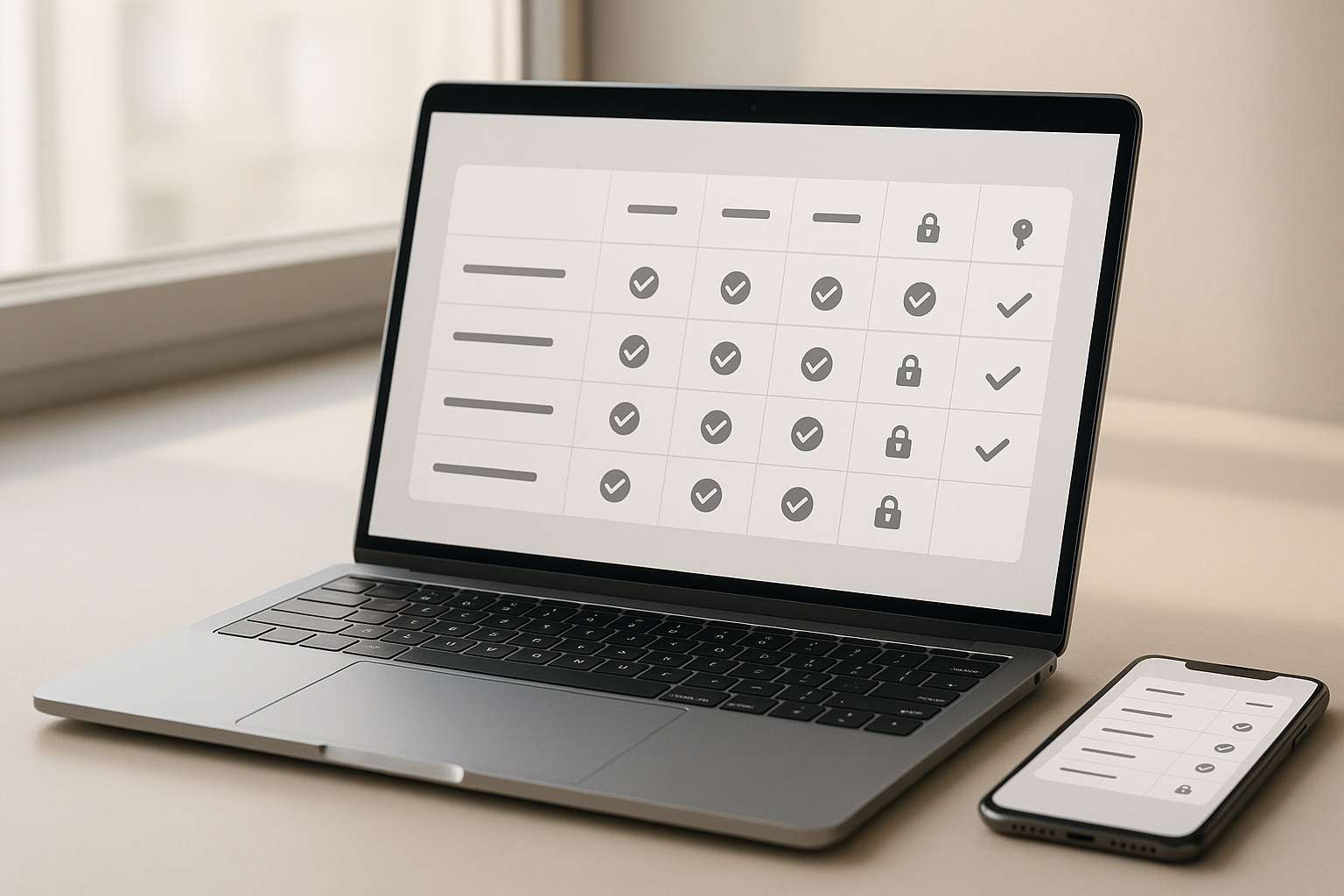
| Suite | Best for | Native format | Collaboration | Macro support | Platforms |
|---|---|---|---|---|---|
| LibreOffice | Full-featured desktop replacement | ODF | Via add-ons / with Collabora | Yes (LibreOffice Basic, Python) | Win / macOS / Linux |
| ONLYOFFICE | OOXML-first editing & sleek co-editing | OOXML | Real-time web & desktop sync | Limited VBA compatibility | Win / macOS / Linux / Web |
| Collabora Online | Browser-based LibreOffice for teams | ODF | Real-time, enterprise-ready | LibreOffice macro model | Web (self-host / partners) |
| Apache OpenOffice | Stable, classic desktop suite | ODF | None native (desktop only) | OpenOffice Basic | Win / macOS / Linux |
| Calligra Suite | KDE-centric creative + office mix | ODF | Limited | Scripting varies by app | Linux (ports exist) |
| GNOME Office (AbiWord + Gnumeric) | Lightweight word & sheet | Various (ODF support) | Add-ons / integrations | Minimal | Win / Linux (AbiWord), Linux (Gnumeric) |
| CryptPad | Privacy-first, end-to-end encrypted collab | Encrypted | Real-time | N/A | Web (self-host / hosted) |
| Etherpad | Real-time text collaboration | Plain/HTML/ODF export | Large-scale, instant | Plugins extend | Web (self-host / hosted) |
| Nextcloud Office | All-in-one files + office in your cloud | ODF via Collabora | Real-time in Nextcloud | LibreOffice macro model | Web (self-host) |
Note: ODF (OpenDocument Format) is an open, ISO-standardized format supported across many tools, helping you avoid lock-in.
1. LibreOffice: the full-featured desktop successor to Office
LibreOffice is the go-to desktop suite when you want breadth of features, strong file compatibility, and control over your data. It provides word processing (Writer), spreadsheets (Calc), presentations (Impress), vector drawing (Draw), database tooling (Base), and math typesetting (Math). It reads and writes common Microsoft Office file types (DOCX, XLSX, PPTX) and uses ODF as its native, open standard for long-term preservation and interoperability. That combination makes it a practical default for most personal users, nonprofits, schools, and many businesses that prioritize openness.
Why it matters
LibreOffice gives you a vendor-neutral foundation. Using ODF ensures long-term access to your documents regardless of what happens to a vendor or subscription model. And because LibreOffice can open and save Microsoft formats, mixed environments (some colleagues on Office, some on LibreOffice) are feasible—provided you follow a few formatting guardrails.
How to do it
- Set default save formats per team policy (ODF for internal, DOCX/XLSX/PPTX for external handoffs).
- Test complex documents—templates, pivot-heavy spreadsheets, slide decks with animations—before migration.
- Leverage extensions (dictionaries, templates, PDF tools) to mirror the features you rely on.
- Train on styles, templates, and Track Changes for smoother collaboration.
- Pair with Collabora or Nextcloud if you want web-based co-editing.
Numbers & guardrails (illustrative)
- For mixed environments, teams often set DOCX/XLSX/PPTX as the default when collaborating with external partners, then archive in ODF for longevity.
- Expect occasional manual fixes with advanced Office-specific features (e.g., uncommon SmartArt, some VBA). Save final copies in the recipient’s expected format to minimize surprises.
Common mistakes
- Assuming 1:1 layout parity down to every pixel.
- Converting legacy macros without testing replacement workflows.
Bottom line: LibreOffice is the most complete, offline-first replacement and a safe platform anchor for open, future-proof documents.
2. ONLYOFFICE: sleek editors with OOXML-first compatibility
ONLYOFFICE focuses on Office Open XML (OOXML) formats as first-class citizens (DOCX/XLSX/PPTX), which can simplify collaboration with Microsoft Office users. It offers modern web editors, desktop apps, and mobile options, plus real-time co-editing. The Docs Community Edition is open-source (AGPL) and can be self-hosted; enterprise editions add higher connection counts and support. ONLYOFFICE also supports ODF import/export, so you can interoperate with open standards as needed.
Why it matters
If your organization predominantly exchanges OOXML files, ONLYOFFICE’s OOXML-native approach can reduce formatting drift. The web editors feel familiar to Office users, which cuts training time.
How to do it
- Start with the Docs Community Edition to pilot co-editing.
- Integrate with platforms like Nextcloud for storage, permissions, and sharing.
- Define clear rules for default save formats and sharing workflows.
- Enable change-tracking, versioning, and commenting to mirror Office collaboration habits.
Numbers & guardrails
- Community Edition typically allows up to 20 simultaneous connections; enterprise licenses raise that ceiling. Plan capacity accordingly before onboarding large teams.
Mini case (illustrative): A 30-person content team might schedule editing windows so no more than 15–18 people are co-editing at once, avoiding connection caps while retaining real-time collaboration.
Bottom line: ONLYOFFICE is a strong choice when OOXML parity and modern co-editing are top priorities, especially for teams that live in the browser.
3. Collabora Online: browser-based LibreOffice for teams
Collabora Online brings LibreOffice’s engine to the browser with real-time collaboration, admin controls, and commercial support options. It’s 100% open source and “built on LibreOffice,” combining enterprise packaging with cloud-friendly deployment. Self-host on your infrastructure or use a hosted partner; either way, you get WYSIWYG editing for text, spreadsheets, and presentations with familiar LibreOffice features.
Why it matters
You can keep documents on servers you control while enabling Google-Docs-style collaboration. For regulated environments, that control—plus open formats—can be the deciding factor.
How to do it
- Size your server by concurrent usage, not total users.
- Pair with a file platform (e.g., Nextcloud) for identity, sharing, and retention.
- Establish document-naming and template standards to keep collaboration tidy.
- Train on comments, suggestions, and version history to reduce email attachments.
Numbers & guardrails
Collabora’s sizing guidance suggests planning for ~10 users per CPU thread and ~50 MB RAM per user (plus base system overhead and modest bandwidth per user). Use this to forecast capacity and pilot under realistic load.
Common mistakes
- Under-provisioning CPU or RAM for peak co-editing sessions.
- Migrating every legacy macro instead of refactoring workflows.
Bottom line: If you want LibreOffice in a real-time, browser-based form under your control, Collabora Online is the enterprise-ready path.
4. Apache OpenOffice: the classic, stable desktop suite
Apache OpenOffice is a long-standing, community-driven office suite that includes Writer, Calc, Impress, Draw, and Base. It uses ODF by default and runs on Windows, macOS, and Linux. Many users value its stability and familiarity, especially for straightforward documents and spreadsheets that don’t require the latest bells and whistles.
Why it matters
OpenOffice remains a dependable option for basic productivity, with an interface many users already recognize. For organizations that prize a “set it and forget it” desktop tool, it can be sufficient—particularly when paired with ODF for long-term data access.
How to do it
- Standardize on ODF for internal files to avoid compatibility drift.
- Test imports of complex XLSX spreadsheets (pivot tables, Power Query equivalents) and re-create where necessary.
- Build a lightweight template library for common documents (letters, invoices, reports).
- Use PDF export to lock final layout for distribution.
Common mistakes
- Expecting perfect edit-round-trips with advanced OOXML features.
- Postponing training on styles and templates, resulting in formatting sprawl.
Bottom line: Apache OpenOffice is a stable, traditional desktop suite well-suited to basic office work, particularly when you value ODF and a familiar feel.
5. Calligra Suite: KDE-friendly office plus creative tools
Calligra Suite blends office apps with creative and project tools under the KDE umbrella. You get Words (word processor), Sheets (spreadsheets), Stage (presentations), plus Karbon for vector graphics, KEXI for databases, and Plan for project management. If you work on Linux—especially in KDE—it’s an integrated environment that can replace multiple standalone apps with one cohesive suite.
Why it matters
Calligra’s breadth means you can draft a report, design supporting diagrams, and plan milestones without leaving the suite. For teams that prefer KDE tooling and workflows, it feels native.
How to do it
- Start with Words, Sheets, Stage for core work; add Karbon for illustrations and Plan for schedules.
- Standardize on ODF for cross-suite compatibility.
- Validate import fidelity for complex OOXML documents and adjust templates accordingly.
- Share final deliverables as PDF when layout precision matters.
Common mistakes
- Expecting 1:1 parity with Microsoft’s advanced features (SmartArt variants, rare chart types).
- Skipping template setup—consistent styles save time and reduce rework.
Bottom line: Calligra Suite is a smart fit for KDE-centric teams that want office + creative tools in one open, integrated workspace.
6. GNOME Office (AbiWord + Gnumeric): lightweight and focused
“GNOME Office” isn’t a single monolithic app but a practical pairing of AbiWord (lightweight word processor) and Gnumeric (fast, accurate spreadsheet). If you need speed, small installs, and focused tooling—say on older hardware or minimal Linux environments—this combination is compelling. AbiWord handles everyday documents; Gnumeric excels at calculations, data analysis, and charting with an emphasis on correctness.
Why it matters
Not everyone needs a heavy suite. AbiWord starts quickly and handles routine writing with minimal resource usage. Gnumeric is known for calculation accuracy and responsiveness with large sheets.
How to do it
- Adopt AbiWord for memos, letters, and basic reports; use Gnumeric for data-first work.
- Share final files as PDF when collaborating with Office-bound teams.
- Use ODF where possible; test OOXML export for stakeholders who require it.
- Extend with plug-ins only as needed to keep the footprint small.
Mini checklist
- Templates set (letter, report, invoice)
- Default fonts chosen for cross-platform compatibility
- Export rules documented (ODF internally, PDF for final)
- Charts validated for recipients’ expectations
Bottom line: For lean systems or focused tasks, AbiWord + Gnumeric deliver quick wins without the overhead of a full suite.
7. CryptPad: privacy-first collaboration with end-to-end encryption
CryptPad is an open-source, end-to-end encrypted collaboration suite that includes rich-text docs, spreadsheets, presentations, kanban, code/markdown, diagrams, whiteboards, and forms. It’s designed so even service administrators can’t read user content, making it attractive for teams that prioritize confidentiality while still needing live collaboration. You can self-host or use a hosted service.
Why it matters
If privacy and zero-knowledge architecture are non-negotiable, CryptPad stands out. You keep collaboration speed while minimizing data exposure. It’s especially suited to research, journalism, advocacy, and any workflow where document content is sensitive.
How to do it
- Decide between self-hosting (more control) and a reputable host (less admin overhead).
- Use team spaces and permissions to separate projects.
- Establish retention policies and backups compatible with encrypted storage.
- Train teammates on link-sharing, passphrases, and recovery keys.
Numbers & guardrails (conceptual)
- Encryption can introduce modest overhead in storage and CPU. Pilot with your typical docs to confirm responsiveness under load.
- For external sharing, balance convenience (link sharing) with security (passwords, limited lifetimes).
Common mistakes
- Treating encrypted collaboration like ordinary shared docs without planning key management.
- Ignoring backups—encrypted data still needs redundancy.
Bottom line: Choose CryptPad when collaborative editing and privacy by design must coexist.
8. Etherpad: instant, large-scale collaborative writing
Etherpad is a real-time, web-based text editor built for instant collaboration. Multiple users can type at once, each with a color, and everyone sees changes immediately. It’s open-source, self-hostable, and extensible via a rich plugin ecosystem. Teams use it for meeting notes, workshops, classrooms, and drafting sessions where speed beats heavy formatting. Etherpad is known to scale to large numbers of simultaneous users on suitable infrastructure.
Why it matters
When you need a “shared notebook” that just works, Etherpad is frictionless. No account hoops; share a link, and everyone can type together. It’s the fastest way to get ideas on “paper” before handing off to a typesetting or document suite.
How to do it
- Self-host on a small VM, then add CPU/RAM as concurrency grows.
- Install plugins for tables, headings, and export options.
- Use the time-slider and version checkpoints to track changes.
- Export to HTML/ODF/PDF for archival or further editing elsewhere.
Numbers & guardrails
- The project notes scalability to thousands of users with the right resources. Pilot with your expected headcount and add compute as needed.
- For formal documents, treat Etherpad as a drafting stage; finalize in LibreOffice, Collabora, or ONLYOFFICE.
Bottom line: Etherpad is unbeatable for rapid co-writing and workshops; pair it with a full suite for layout-polished deliverables.
9. Nextcloud Office: your documents inside your private cloud
Nextcloud Office brings office editing into the Nextcloud platform you may already use for file sync, sharing, and identity. It’s built together with Collabora, so you get real-time, WYSIWYG editing in the browser, integrated with Nextcloud’s permissions, sharing links, and governance features. For organizations building a private cloud stack, this “all in one” approach simplifies admin and improves user adoption.
Why it matters
Centralizing files and editing in the same place reduces context switching and keeps policy enforcement (sharing, retention, DLP add-ons) consistent. It’s a natural upgrade for teams already on Nextcloud.
How to do it
- Start with a test instance, then integrate SSO, groups, and storage back-ends.
- Size the Collabora component for peak concurrent editors (reuse the Collabora sizing rules).
- Create team templates and shared folders for standard documents.
- Map external sharing policies to link types (password, expiry, view-only).
Numbers & guardrails
- Use Collabora’s rule of thumb (~10 users per CPU thread, ~50 MB RAM per user) to plan hosts. Scale horizontally if your collaboration patterns spike.
Common mistakes
- Treating Nextcloud Office as “set-and-forget” without monitoring peaks.
- Skipping onboarding—show users comments, suggestions, and versions to reduce email attachments.
Bottom line: If you want editing where your files, users, and policies already live, Nextcloud Office is the pragmatic, private-cloud answer.
Conclusion
You have multiple open source alternatives to Microsoft Office, each excelling in a different dimension. LibreOffice is the most complete desktop replacement and a cornerstone for open, future-proof documents. ONLYOFFICE shines when OOXML-first editing and sleek co-editing are essential. Collabora Online brings LibreOffice to the browser with control and scale. Apache OpenOffice offers a classic, stable desktop experience. Calligra suits KDE-centric workflows, while AbiWord + Gnumeric deliver speed on lean systems. For collaboration, Etherpad is unmatched for instant, massive co-writing; CryptPad adds end-to-end encryption when privacy is paramount. And if you want editing deeply integrated into your private cloud, Nextcloud Office ties it together.
Next steps: list your must-have documents and collaboration moments, pilot the top two suites that fit your needs, and standardize on formats and templates. Choose one, run a two-week pilot, and lock your default formats.
FAQs
1) Which open-source suite gives the most consistent results with DOCX/XLSX/PPTX?
Teams that primarily exchange OOXML files often prefer ONLYOFFICE due to its OOXML-first design, while LibreOffice and Collabora also handle these formats well for many documents. The safest approach is to test your most complex files—especially those with macros, rare fonts, or intricate layouts—and set a policy to save in the recipient’s expected format when collaborating externally.
2) What’s the difference between LibreOffice, Collabora Online, and Nextcloud Office?
LibreOffice is the desktop suite. Collabora Online is the browser-based version, built on LibreOffice, suitable for real-time collaboration and enterprise deployment. Nextcloud Office integrates Collabora into Nextcloud’s file and sharing platform, adding identity, policies, and storage management in one place. Choose based on where you want editing to happen: local desktop vs. your private cloud.
3) Are open formats like ODF really that important?
Yes, ODF is an open, ISO-standardized format designed for long-term accessibility. It’s supported by multiple suites, which reduces lock-in and ensures you can open files in the future without depending on a single vendor. Many teams use ODF for archiving and OOXML for external sharing.
4) Can I self-host real-time collaboration?
Absolutely. Collabora Online and ONLYOFFICE both offer self-hosted editions that support real-time co-editing. Size your servers for concurrent users, not total users, and consider high availability if document uptime matters. Collabora publishes straightforward sizing guidelines (CPU threads and RAM per user) to help.
5) Is there a free option for encrypted, zero-knowledge collaboration?
Yes—CryptPad offers end-to-end encrypted docs, sheets, slides, and more. You can self-host or use their hosted service. Plan for key management, backups, and link policies to balance privacy with ease of sharing. cryptpad.org
6) What if we only need fast note-taking and brainstorming?
Try Etherpad. It’s built for instant, many-person co-writing with minimal friction. Use it to capture ideas, then export to ODF/HTML/PDF or hand the draft to a full suite for formatting and polishing.
7) How do I avoid formatting surprises when exchanging files with Office users?
Set a default save format policy: ODF internally, OOXML for external partners. Use standard fonts, avoid niche SmartArt and unusual effects, and agree on PDF for final, layout-critical documents. Always test representative files before switching team-wide.
8) Which tools are lightest for older hardware?
AbiWord and Gnumeric are excellent lightweight options that start fast and handle everyday writing and data work without heavy resource usage. For presentations, pair them with a simple viewer or export to PDF.
9) Can I keep using existing macros?
Basic macros may need refactoring. LibreOffice supports its own macro model and can sometimes interpret simpler VBA, but complex automation often benefits from re-implementation in LibreOffice Basic or Python, or replacement with add-ins and scripts on your new platform. Pilot a few critical macros before committing.
10) How do connection limits affect browser-based suites?
Community builds sometimes limit simultaneous connections—for example, ONLYOFFICE’s Community Edition is commonly capped at around 20 concurrent sessions, while enterprise tiers lift that. Plan capacity and consider licensing if large, synchronous edits are common.
References
- LibreOffice — Discover LibreOffice. The Document Foundation. https://www.libreoffice.org/discover/libreoffice/
- What is OpenDocument? LibreOffice. https://www.libreoffice.org/discover/what-is-opendocument/
- ONLYOFFICE Docs — GitHub README. ONLYOFFICE. https://github.com/ONLYOFFICE/DocumentServer
- ONLYOFFICE — Supported formats. ONLYOFFICE Help Center. https://helpcenter.onlyoffice.com/docs/userguides/document_editor/supportedformats.aspx
- Compare ONLYOFFICE Docs editions. ONLYOFFICE. https://www.onlyoffice.com/compare-editions
- Collabora Online — Built on LibreOffice. Collabora. https://www.collaboraonline.com/built-on-libreoffice/
- Collabora Online — FAQs (sizing guidelines). Collabora. https://www.collaboraonline.com/faqs/
- Apache OpenOffice — Official site. Apache Software Foundation. https://www.openoffice.org/
- Apache OpenOffice — Official download page. Apache Software Foundation. https://www.openoffice.org/download/
- Calligra Suite. KDE. https://calligra.org/
- AbiWord. AbiSource. https://www.abisource.com/
- Gnumeric — Welcome. GNOME. https://gnome.pages.gitlab.gnome.org/gnumeric-web/
- Etherpad — Official site. Etherpad Foundation. https://etherpad.org/
- Etherpad — GitHub (scalability & features). Etherpad. https://github.com/ether/etherpad-lite
- Nextcloud Office. Nextcloud. https://nextcloud.com/office/
- Nextcloud + Collabora Online (partner page). Collabora. https://www.collaboraonline.com/partners/nextcloud/