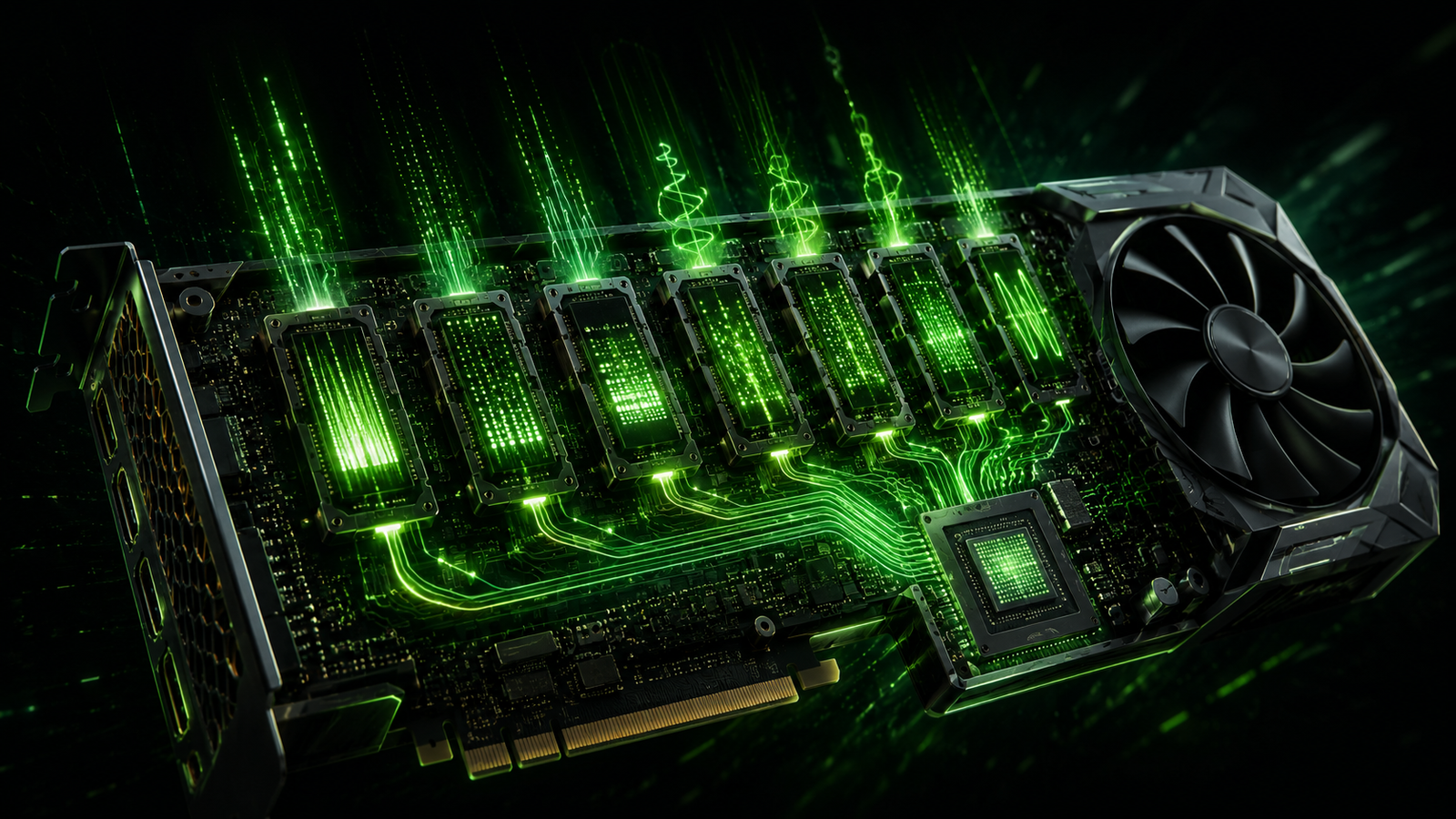
- 32GBGDDR7 VRAM on the RTX 5090, the current top consumer GPU for local LLM inference
- 1,792 GB/smemory bandwidth on the RTX 5090, a major factor in real-world token generation speed
- 96GBGDDR7 ECC VRAM on the RTX PRO 6000 Blackwell, the first professional GPU at that capacity, enough for 70B models at FP16
Shopping for a GPU to run LLMs locally means ignoring most of what a GPU box normally advertises. TFLOPS, CUDA core count, and clock speed are secondary for this specific workload — for LLM inference, VRAM determines whether your model loads at all, and memory bandwidth determines how fast tokens actually get generated once it does. Everything else is a rounding error by comparison.
Why VRAM and bandwidth dominate every other spec
A large language model’s weights have to fit entirely (or almost entirely) in video memory for inference to run at a usable speed; when they don’t fit, the system falls back to slower system RAM or disk paging, and speed collapses regardless of how fast the GPU’s compute cores are. That’s why VRAM capacity is the first filter: it determines the largest model size and quantization level you can even attempt. Bandwidth is the second filter, because generating each token requires reading the entire active portion of the model from memory — a GPU with huge VRAM but modest bandwidth will still generate tokens slowly, since the bottleneck is how fast data can move, not how fast the compute cores could theoretically process it.
| GPU | VRAM | Bandwidth | Realistic model range (Q4) |
|---|---|---|---|
| RTX 5090 | 32GB GDDR7 | 1,792 GB/s | Up to 32B on a single card, ~185 tok/s on 8B |
| RTX 5070 Ti | 16GB GDDR7 | 896 GB/s | 7B-14B, best new mid-range entry point |
| Used RTX 3090 | 24GB GDDR6X | ~936 GB/s | 7B-32B, best VRAM-per-dollar under $600 |
| Radeon RX 7900 XTX | 24GB GDDR6 | ~960 GB/s | 7B-32B, VRAM-per-dollar champion under $1,000 |
| RTX PRO 6000 Blackwell | 96GB GDDR7 ECC | High-bandwidth professional tier | 70B at FP16, or 109B-class MoE at Q4 |
Matching a GPU to the model size you actually want to run
The practical way to shop is backward from the model you want to run rather than forward from a GPU’s marketing tier. If your target is small, fast models in the 7B-14B range at 4-bit quantization, a 16GB card like the RTX 5070 Ti is a genuinely sufficient new-hardware entry point, and a used RTX 3090 at 24GB stretches that headroom further for a fraction of the cost. If you want to run larger 32B-class models comfortably on one card, the RTX 5090’s 32GB and exceptionally high 1,792 GB/s bandwidth is the current consumer ceiling, delivering around 185 tokens per second on an 8B model well below its capacity limit. Anyone targeting genuinely large models — 70B dense or MoE architectures in the 100B+ parameter range — is really shopping in the professional tier, where the RTX PRO 6000 Blackwell’s 96GB of ECC memory is the first card at retail that fits those weights without multi-GPU splitting.
- 1. Decide your target model size and quantizationA 7B model at Q4 has completely different VRAM needs than a 70B model at FP16.
- 2. Check VRAM capacity fits with headroomLeave room for context length and KV cache, not just the raw model weight size.
- 3. Check bandwidth for acceptable token speedHigher bandwidth means faster generation even at identical VRAM capacity.
- 4. Only then compare price and other specsTFLOPS, core count, and clock speed become relevant tie-breakers once VRAM and bandwidth already clear the bar.
The correct shopping order for a local-inference GPU
Shopping by TFLOPS or price-per-core first, and checking VRAM last, is the most common way people end up with a GPU that can’t run the model they actually wanted.
Used cards and the value tier
Because VRAM and bandwidth matter more than raw compute for this workload, older or used cards with generous memory remain genuinely competitive against newer cards with less VRAM. A used RTX 3090 at 24GB, typically available for $400-600, offers the best VRAM-per-dollar under $600 and comfortably handles 7B-32B models at Q4 — a real bargain for anyone not chasing the absolute fastest token speed. AMD’s Radeon RX 7900 XTX plays a similar role on the value end, remaining a popular VRAM-per-dollar champion under $1,000 with 24GB of memory, though AMD’s software ecosystem for LLM inference still lags NVIDIA’s CUDA-based tooling in day-one framework support for new model architectures.
Buy for VRAM and bandwidth first Correct approach
Right for anyone building a local inference rig — these two specs determine what you can run and how fast, more than any other number on the spec sheet.
Consider a used high-VRAM card Strong value option
A used RTX 3090 or similar high-VRAM older card often beats a newer card with less memory for pure LLM inference, at a meaningfully lower price.
Shop by TFLOPS or general gaming benchmarks Wrong metric
Gaming-oriented GPU comparisons emphasize compute throughput and rasterization performance, neither of which is the bottleneck for LLM inference.
Common mistakes
Common mistake
Buying a GPU based on TFLOPS or gaming benchmark rankings without checking VRAM against the target model’s actual memory footprint at the intended quantization level.
Common mistake
Sizing VRAM to exactly fit the model weights with no headroom for context length and KV cache, then hitting out-of-memory errors the moment a longer conversation or document is loaded.
What worked
Buyers who picked their target model size and quantization level first, then shopped specifically for VRAM capacity with headroom and adequate bandwidth, consistently ended up with hardware that matched their actual use case rather than over- or under-buying relative to gaming-oriented specs.
Glossary
- VRAM
- Video memory on a GPU, the primary constraint on which model sizes and quantization levels can be loaded for local inference.
- Memory bandwidth
- The rate at which data can move between VRAM and the GPU’s compute cores, measured in GB/s, which directly affects token generation speed.
- KV cache
- Memory used to store intermediate attention values during inference, growing with context length and consuming VRAM beyond the base model weight size.
- VRAM-per-dollar
- An informal value metric comparing a GPU’s memory capacity to its price, often favoring older or used high-memory cards over newer cards with less VRAM.
Key takeaways
- VRAM determines whether a model loads at all, and memory bandwidth determines how fast it generates tokens — both matter more than TFLOPS, core count, or clock speed for local LLM inference.
- The RTX 5090 is the current top consumer GPU, with 32GB of GDDR7 and 1,792 GB/s bandwidth, handling 32B models at Q4 on a single card.
- The RTX 5070 Ti at 16GB is a strong new-hardware mid-range entry point for 7B-14B models at Q4.
- A used RTX 3090 (24GB, roughly $400-600) offers the best VRAM-per-dollar under $600 for 7B-32B models.
- The Radeon RX 7900 XTX (24GB) remains a VRAM-per-dollar champion under $1,000, though its LLM software ecosystem still lags NVIDIA’s CUDA tooling.
- The RTX PRO 6000 Blackwell, with 96GB of GDDR7 ECC memory, is the first professional-tier retail GPU able to fit 70B-class models at FP16 on one card.
- The correct shopping order is: pick target model size and quantization, check VRAM with headroom for context, check bandwidth, and only then compare price and other specs.
FAQs
What matters most when choosing a GPU for local LLM inference?
VRAM capacity and memory bandwidth. VRAM determines whether a model loads at all, and bandwidth determines how fast tokens are generated — both matter far more than TFLOPS, CUDA core count, or clock speed for this specific workload.
What’s the best consumer GPU for local LLMs right now?
The RTX 5090 is the current top consumer option, with 32GB of GDDR7 VRAM and 1,792 GB/s of bandwidth, capable of running 32B models at Q4 quantization on a single card and reaching around 185 tokens per second on 8B models.
Is a used GPU a good option for local LLM inference?
Yes — a used RTX 3090 with 24GB of VRAM, typically $400-600, offers the best VRAM-per-dollar under $600 and comfortably handles 7B-32B models at Q4, making it a strong value pick over some newer cards with less memory.
How much VRAM do I need to run a 7B model?
At 4-bit quantization, a 7B model’s weights typically require roughly 4-5GB of VRAM, but real-world usage needs meaningfully more headroom for context length and KV cache, so a 12-16GB card is a safer practical minimum.
Is AMD or NVIDIA better for local LLM inference?
NVIDIA’s CUDA ecosystem generally has stronger day-one framework support for new model architectures, though AMD cards like the Radeon RX 7900 XTX offer excellent VRAM-per-dollar value for buyers willing to work within a slightly less mature software stack.
What GPU do I need to run a 70B model?
At FP16, a 70B model realistically requires professional-tier hardware like the RTX PRO 6000 Blackwell with 96GB of VRAM; at more aggressive quantization, some 70B models can run split across multiple consumer cards with a combined 48GB or more of VRAM.
Does clock speed matter for LLM inference?
Much less than for gaming or general compute — since the primary bottleneck is memory bandwidth and capacity rather than raw compute throughput, clock speed differences between comparable cards have a smaller practical effect on token generation speed.
Why does the same GPU perform differently across LLM benchmark articles?
Because token-per-second figures depend heavily on quantization level, context length, and the specific inference engine used (Ollama, llama.cpp, vLLM), so benchmark numbers are only directly comparable when those variables are held constant.
References
- Thunder Compute — “Best GPU for LLM Inference, Fine-Tuning, and Training (2026)”
- Fluence — “7 Best GPU for LLM in 2026: Local, Cloud and Training Picks”
- QuantizeLab — “Best GPU for Local LLMs and Inference (2026): Top Picks by Budget”
- PromptQuorum — “Best GPUs for Local LLMs 2026: VRAM, Speed and Value Guide”
Related reading on The Tech Trends: Local LLM Setup Guide, NPU vs GPU vs CPU for AI Inference, Quantized Models on Phones, and Renting vs Owning GPUs.