People and organizations need data more than anything else in today’s digital environment. Cybercriminals seek to steal information from the internet because it has a lot of it and is worth a lot. This covers items like bank details, customer databases, intellectual property, and personal images. The average cost of a data breach was $4.45 million, according to IBM’s 2024 Cost of a Data Breach report. This shows how harmful weak defenses can be for your money and your reputation.
There is no such thing as a system that is 100% safe, but a proactive, multi-layered security plan makes it considerably less likely to be hacked. The post includes seven helpful recommendations on how to keep hackers from getting to your data. It uses real-life examples and straightforward directions.
Getting to Know the Cyber Threats Out There
We need to know how big and sophisticated today’s cyber threats are before we talk about how to protect ourselves:
- Ransomware is when hackers lock or encrypt your files and then ask you to pay them to get them back. The average ransom price in 2023 was almost $290,000.
- Phishing and social engineering: More than 90% of breaches start with a phishing email or a malicious link that tries to get individuals to give up their login information.
- Employees that don’t care about their jobs or are unhappy with them can put data integrity at danger, either on deliberately or by mistake.
- Zero-Day Exploits: Attackers use software defects that haven’t been repaired yet to get in.
- State-sponsored or highly skilled groups run Advanced Persistent Threats (APTs), which are secret, long-term operations to steal crucial data.
Knowing what these dangers are and how they are most likely to attack will help you make your defenses stronger.
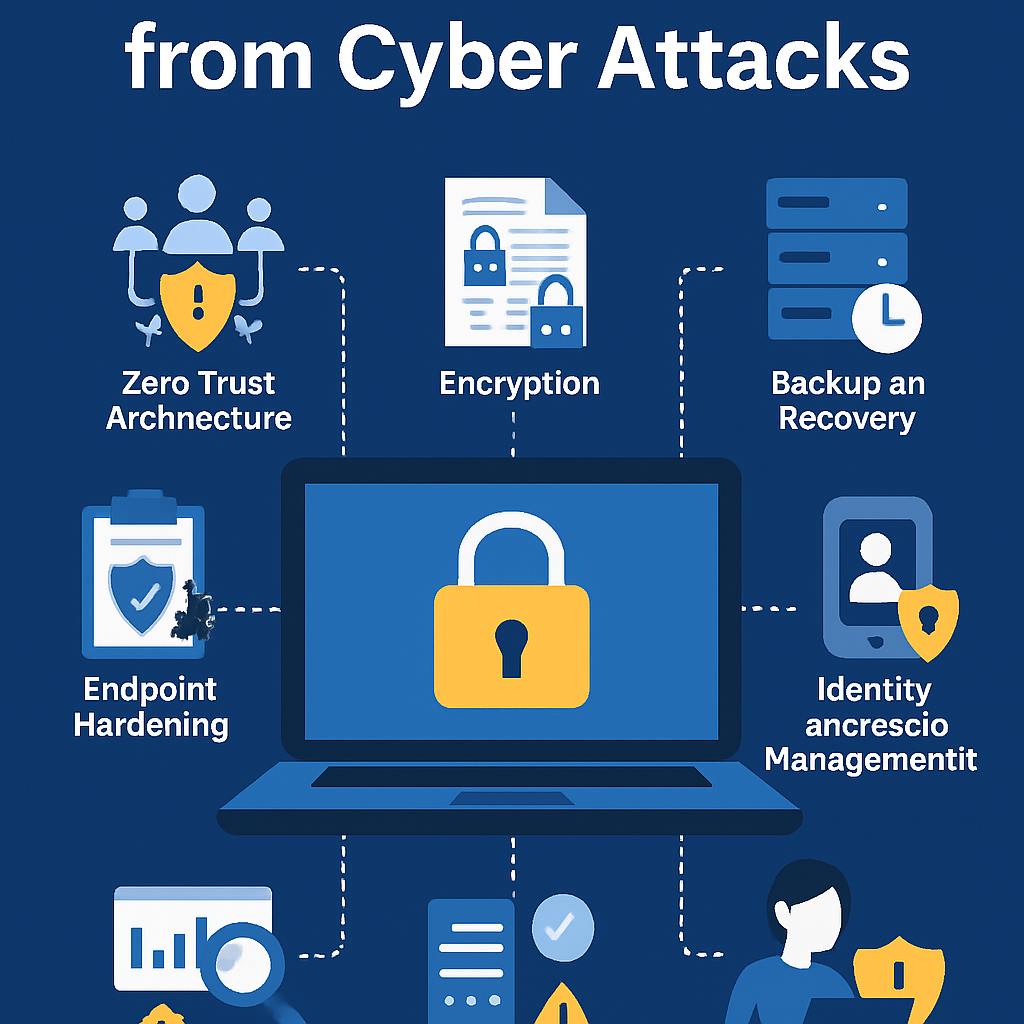
1. Make a Zero Trust Architecture. The saying goes, “Don’t trust, always check.” In a Zero Trust paradigm, no one or device is automatically trusted, even if it is on the company’s network.
- The process of breaking up your network into smaller parts is called micro-segmentation. If an attacker gets into one part, they can’t easily walk sideways to get to all the systems.
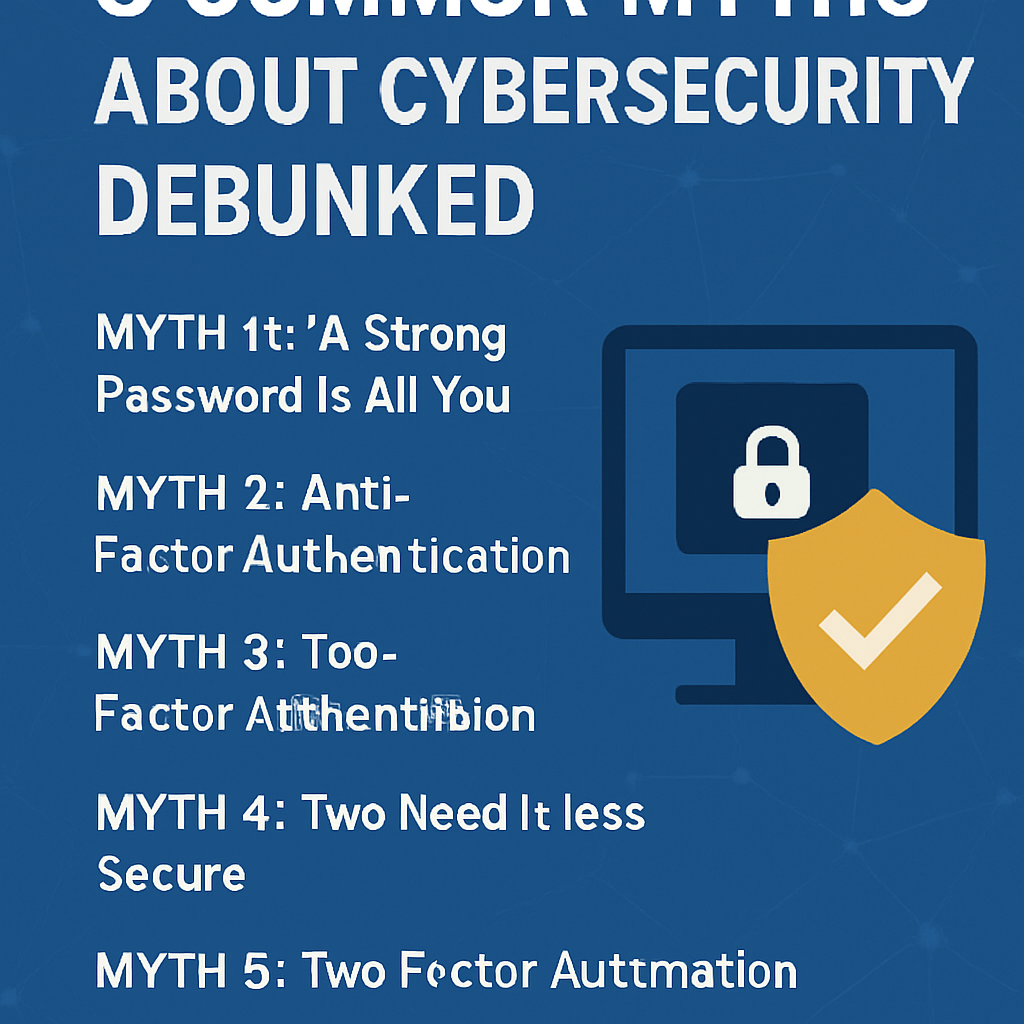
- For every login, but especially for accounts that need special access, use multifactor authentication (MFA). Don’t simply utilize one-time passwords (OTPs) that are supplied to you by text message. You should also employ hardware tokens or authentication apps.
- Least Privilege Access is giving people only the permissions they need to do their tasks. Check your privileges often and take away those that you don’t need.
For example, a major financial services organization utilized Zero Trust and experienced a 75% decline in cases of lateral movement in just six months.
2. Encrypt Data at Rest and in Transit: The notion is that encryption renders data unreadable to anyone who shouldn’t have access to it, whether it’s on a disk or moving across networks.
- Full-disk encryption (FDE) should be utilized on laptops and servers to keep data that isn’t being used safe. BitLocker for Windows and FileVault for macOS are two very popular file-level encryption technologies in the business world.
- To protect data while it’s being delivered over the Internet, use TLS (Transport Layer Security) 1.3. Use VPN tunnels or encrypted APIs for services that are just for you.
- Key Management: Store all of your cryptographic keys in one place, such as a Hardware Security Module (HSM) or a Key Management Service (KMS) that runs in the cloud. Check the logs of who used the keys and change them often.
The Ponemon Institute published a study that showed that businesses that encrypt sensitive data obtain 66% lower fines from regulators following a breach.
3. Make Endpoints and Servers Safer End-user devices and servers are the key targets. Making them stronger makes it tougher for them to attack.
- Patch Management: Set up your OS and programs to get updates automatically. Within 48 to 72 hours following their release, make sure to give crucial fixes the highest priority.
- EDR, or Endpoint Detection and Response, is a set of technologies that watch how endpoints act, discover problems, and enable you resolve them rapidly.
- Application Whitelisting: Only let approved apps operate. Stops code or malware that isn’t allowed from execution.
- To get rid of any probable weak areas, turn off any services, ports, or protocols that you don’t require.
The Center for Internet Security (CIS) publishes benchmarks that can help you make your Windows, Linux, macOS, and network devices safer.
4. Make sure you have good ways to back up and restore your data. If you receive ransomware or lose data, good backups will keep things functioning and cost you less money.
- The 3-2-1 Backup Rule recommends that you should have at least three copies of your data on two distinct types of media. One copy should be stored offsite or in a cloud storage area that can’t be changed.
- WORM storage or object locks (like AWS S3 Object Lock) can help stop hackers from destroying or encrypting backups.
- Testing on a regular basis: Hold a disaster recovery drill every three months to ensure sure your backups are safe and can be restored promptly. Write down your RTOs (Recovery Time Objectives) and RPOs (Recovery Point Objectives).
In real life, a healthcare provider was able to get back on their feet in less than two hours following a ransomware attack instead of paying a six-figure ransom because they had well-tested backups that couldn’t be changed.
5. Improve Identity and Access Management (IAM) Principle: Identities are the new border, and not keeping track of your credentials well can lead to breaches.
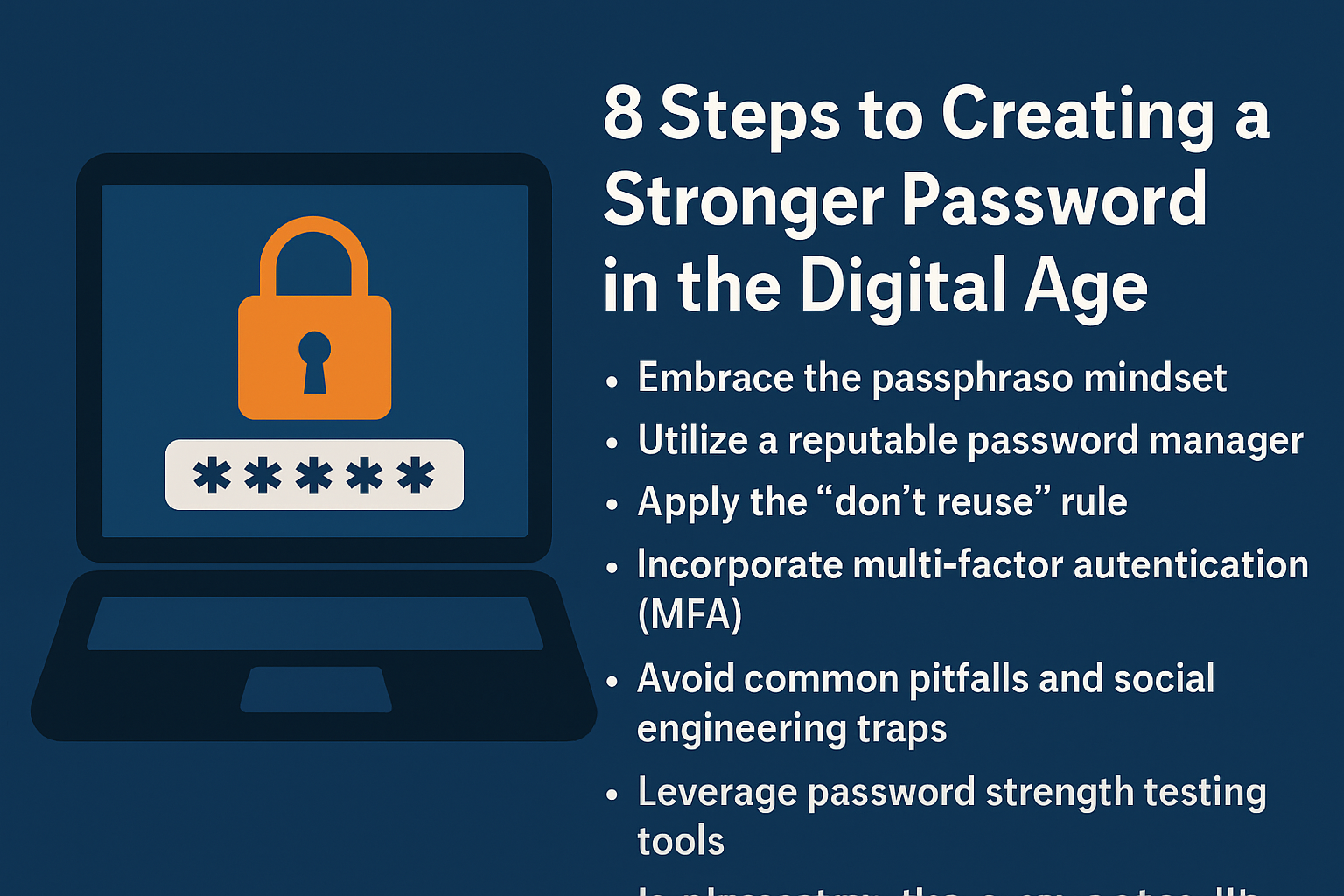
- To keep your passwords safe, you should make sure they are a specific length, hard to guess, and change them often. You might want to utilize passphrases instead than strings of random characters.
- MFA Everywhere: All apps should need MFA, but cloud services and gateways that enable you access them from outside should truly need it.
- Single Sign-On (SSO) makes things easy for users and maintains all authentication logs in one location, which makes it easier to check.
- Privileged Access Management (PAM): Keep an eye on and segregate accounts that have a lot of power. Use session recording, vaulting, and just-in-time (JIT) privilege elevation.
Fact: Microsoft says that MFA can stop more than 99.9% of assaults that try to take over an account.
6. Follow the Rule of Constant Monitoring and Threat Intelligence: The sooner you identify a breach, the less damage it will do.
- SIEM collects logs from servers, firewalls, IDS/IPS, and endpoints. Link events together to observe how attackers are acting in increasingly complicated ways.
- User and Entity Behavior Analytics (UEBA) can discover logins or data transfers that aren’t normal for a user.
- Threat Intelligence Feeds: Get feeds from trustworthy places like CISA and MITRE ATT&CK. Put indications of compromise (IOCs) on firewalls and EDR systems.
- 24/7 SOC Coverage: You should be able to see and deal with incidents at any time, whether you do it yourself or hire someone else to do it.
Industry Insight: On average, companies with a mature SOC identify breaches 27 days earlier than those that don’t have one.
7. Use regulations and training to make safety your top concern.
The point is that technology can’t stop people from making mistakes. Give your employees the guidelines and information they need to accomplish their jobs properly.
- Phishing Simulations: Do phishing tests that are as close to the actual thing as feasible on a regular basis. Help and give feedback right away to folks who fell for phony attacks.
- Security awareness programs teach people how to protect their passwords, surf the web safely, and report anything that seems strange. You can go to workshops, quizzes, and videos.
- Write down what to do in case of different types of attacks so that you have clear preparations for how to respond to them. Set up roles, means to talk to each other, and strategies to move forward.
- Executive Support and Metrics: Tell your executives about significant risk variables, like how many people click on phishing links and how many fixes are up to date. Check to see if your security goals are in line with your business goals.
After initiating a training program that focused on the problem, a worldwide corporation lowered their phishing click rate from 24% to 3% in just one year.
Questions that are often asked (FAQs)
Q1: What is the best way to keep my data safe?
There is no one perfect way, but the best way to prevent someone out without permission is to use multifactor authentication (MFA). It stops more than 99% of attacks.
How often should I check my backups?
Do restoration exercises every three months at the very least. In situations where there is useful data or strong standards, it’s best to test more often, like once a month.
Q3: Is antivirus software still useful?
Old antivirus software can’t keep you safe from the attacks of today. Add it to your layered defense together with EDR, application whitelisting, and network monitoring.
Q4: How much does a data breach usually cost?
The average cost worldwide is $4.45 million, which includes the costs of detecting, reporting, and correcting the problem.
Q5: What are some inexpensive ways that small firms can adopt Zero Trust?
First, make sure that MFA is set on and that your patches are up to date. Use open-source SIEM technologies like Wazuh and cloud-based IAM solutions to save money up front.
To sum up
To keep your data safe from cyber threats, you need a thorough defense-in-depth plan. You can drastically minimize your risk profile by adopting the Zero Trust principles, encrypting data, hardening endpoints, establishing solid backups, enhancing IAM, always keeping an eye on threats, and encouraging a culture of security first. Keep in mind that cybersecurity is a process, not a goal. remain attentive, remain informed, and be ready to modify your defenses.
References
- IBM Security, “2024 Cost of a Data Breach Report,” IBM, May 2024. https://www.ibm.com/reports/data-breach
- Sophos, “The State of Ransomware 2023,” Sophos, November 2023. https://www.sophos.com/en-us/medialibrary/pdfs/whitepaper/state-of-ransomware-2023-wp.pdf
- Verizon, “2024 Data Breach Investigations Report,” Verizon, April 2024. https://www.verizon.com/business/resources/reports/dbir/
- Cybersecurity & Infrastructure Security Agency (CISA), “Zero Trust Maturity Model,” CISA. https://www.cisa.gov/zero-trust
- Palo Alto Networks, “What Is Zero Trust?,” Cyberpedia. https://www.paloaltonetworks.com/cyberpedia/what-is-zero-trust
- Ponemon Institute, “Global Encryption Trends Study,” 2023. https://www.ponemon.org/research/global-encryption-trends
- Center for Internet Security (CIS), “CIS Benchmarks,” CIS. https://www.cisecurity.org/cis-benchmarks
- U.S. Department of Health & Human Services, “Health Industry Cybersecurity Practices,” HHS. https://www.healthit.gov/topic/cybersecurity