If you’re new to Amazon Web Services, this guide shows a clear end-to-end path from creating an account to putting a small, production-ready app online—without drowning in options. In one line: AWS is a massive collection of on-demand services for compute, storage, databases, networking, and more, all delivered through APIs and a web console. You’ll learn how to choose the right region, secure your account, lay down a safe network, pick compute and data stores, add observability, control costs, and push to production. This is general guidance, not a substitute for professional security or compliance advice; when in doubt, consult a qualified expert.
At a glance, here’s the 12-step path you’ll follow:
- Create your account and pick a region
- Lock down identity and access (IAM)
- Design a minimal VPC network
- Store and serve files with S3
- Choose compute (EC2 vs Lambda vs Fargate)
- Pick your database (RDS vs DynamoDB)
- Assemble a simple web stack
- Add observability (CloudWatch, CloudTrail, X-Ray)
- Apply security hygiene (encryption, secrets, patching)
- Use infrastructure as code (CloudFormation/CDK/Terraform)
- Control costs from day one
- Production hardening with the Well-Architected lens
1. Create Your AWS Account and Choose a Region
Start by creating an AWS account and signing into the console; you’ll use this account to manage billing, identity, and service access. Immediately enable multi-factor authentication (MFA) on the root user, create an administrator role, and avoid daily use of the root login. Next, pick a home Region for your workloads—close to your users, compliant with your data rules, and with the services you plan to use. Regions are composed of multiple, isolated Availability Zones (AZs) that let you build for resilience. Finally, learn the shared responsibility model: AWS secures the cloud; you secure what you run in the cloud (identities, data, configurations). This mental model informs every decision you make later. Amazon Web Services, Inc.AWS Documentation
Why it matters
- A poor Region choice can add latency, limit services, and complicate compliance.
- Correct root/IAM setup prevents account-takeover risks later.
- Understanding shared responsibility clarifies which controls are yours to own.
Mini-checklist
- Enable MFA on root; never use access keys for root.
- Create an Admin role; access it via IAM Identity Center or role switch.
- Select a primary Region with ≥3 AZs and the services you need.
Synthesis: A safe account baseline and an appropriate Region set the stage for everything else—performance, availability, and security decisions flow from here.
2. Lock Down Identity and Access with IAM
Identity and Access Management (IAM) controls who can access what under which conditions. Create individual users or, better, use roles and temporary credentials via IAM Identity Center. Apply least privilege by granting only the specific actions needed. Use permission boundaries for guardrails, and service control policies (SCPs) if you adopt AWS Organizations later. Turn on MFA for interactive accounts, avoid long-lived access keys, and rotate credentials regularly. Map human personas (admin, developer, read-only) and machine identities (CI/CD, workloads) to roles with scoped policies. Reference AWS’s IAM best practices to structure policies and onboarding checklists.
How to do it
- Create groups/roles: Admin, PowerUser, ReadOnly.
- Attach AWS-managed policies to start; replace with customer-managed policies as you learn.
- Require MFA; block actions without MFA where feasible via conditions.
- Use IAM Roles for Service Accounts (IRSA) with EKS or task roles with ECS instead of static keys.
Numbers & guardrails
- 0 long-lived access keys for human users.
- 100% MFA for console users.
- ≤2 break-glass admin roles; log and review their use.
Synthesis: Treat IAM as your first line of defense; clean identities and scoped permissions shrink your blast radius and simplify audits.
3. Design a Minimal, Safe VPC
A Virtual Private Cloud (VPC) is your private network. Start with one VPC in your home Region, define a CIDR such as 10.0.0.0/16, and split it into subnets per AZ—public for load balancers and NATs, private for application/database tiers. Remember that 5 IPs per subnet are reserved (network, router, DNS, and two reserved), so size subnets accordingly. Place at least two private subnets across different AZs for resilience. Use a NAT Gateway or instance for outbound internet from private subnets; add route tables, security groups (stateful), and network ACLs (stateless) as needed. Turn on VPC Flow Logs to capture network metadata for troubleshooting and security analytics.
How to do it
- Pick VPC CIDR (e.g., /16); carve /24 subnets per AZ for clarity.
- Create public subnets with an Internet Gateway (IGW) and private subnets with NAT egress.
- Attach route tables: public → IGW; private → NAT.
- Use security groups as your primary network filter; keep NACLs simple.
Numbers & guardrails
- /24 subnet ⇒ 256 addresses, 251 usable after AWS’s 5 reserved—plan capacity accordingly.
- Minimum 2 AZs for app subnets; prefer 3 AZs for critical services.
Synthesis: A tidy, well-sized VPC with clear public/private separation reduces surprises and supports secure scaling later.
4. Store and Serve Files with Amazon S3
Amazon S3 is object storage for backups, assets, and logs—and it can even host static websites. Create a bucket with block public access on by default; enable versioning to protect against accidental deletes and overwrites. Use lifecycle rules to transition older objects to colder tiers and to expire unneeded versions. If you host a static site, front it with CloudFront and restrict direct bucket access using Origin Access Control (OAC); this gives you HTTPS, caching, and protection against hotlinking. For private data, use server-side encryption with AWS KMS keys. AWS Documentation
How to do it
- Create bucket; enable Versioning and Default Encryption.
- Add lifecycle rules (prefix/tag filters) to transition/expire objects.
- For static sites: S3 + CloudFront + OAC; keep the bucket non-public.
- Store logs (ALB/CloudFront/VPC Flow Logs) into dedicated, locked buckets.
Numbers & guardrails
- Keep at least 1 immutable logs bucket.
- For sites with global users, CloudFront cache TTLs in the minutes range often balance freshness vs. cost.
- Keep lifecycle rules minimal: ≤5 broad rules beat dozens of micro-rules. AWS Documentation
Synthesis: S3 + CloudFront gives you durable storage and global delivery; versioning and lifecycle keep mistakes recoverable and storage tidy.
5. Choose Compute: EC2 vs. Lambda vs. Fargate
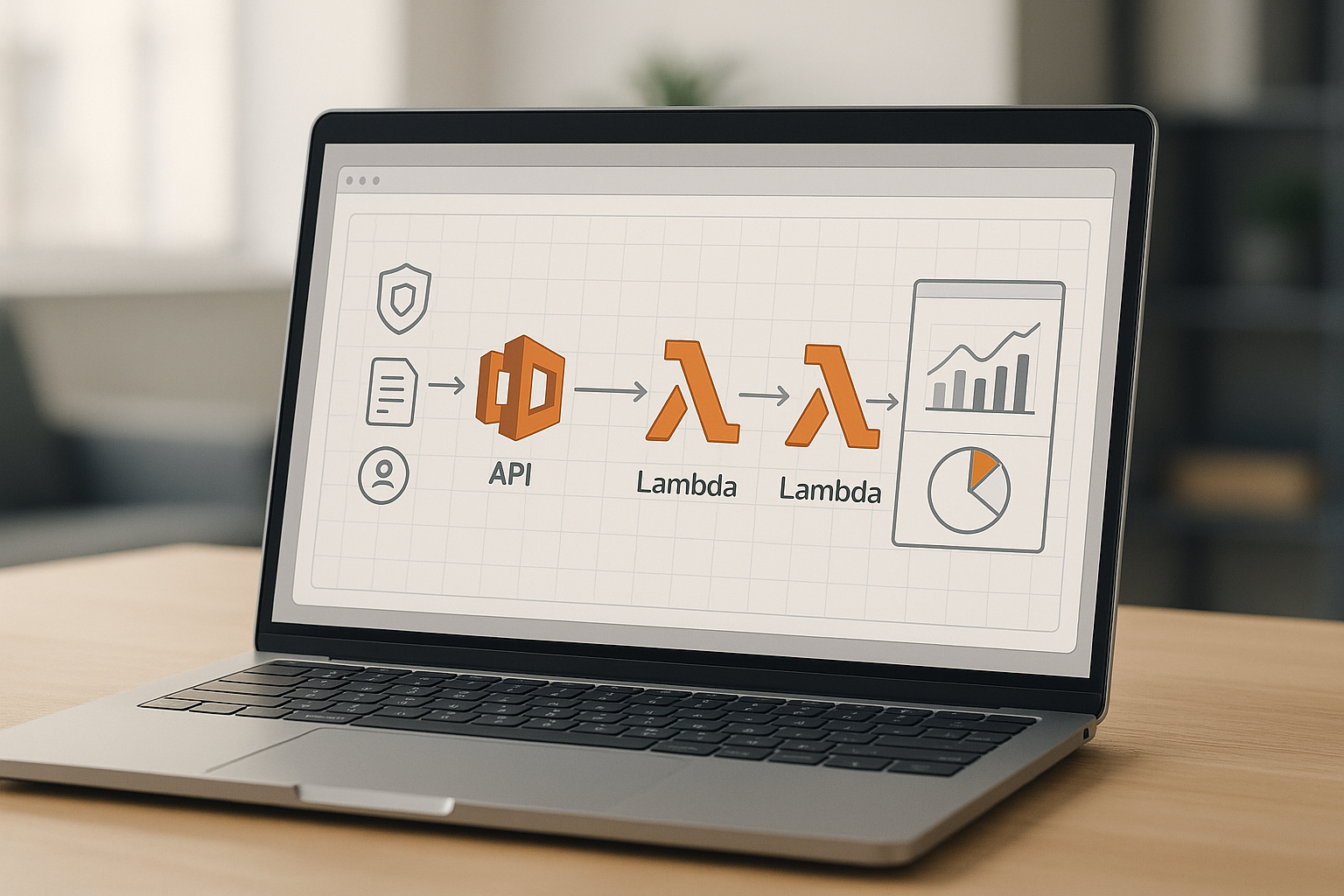
AWS offers multiple compute models. EC2 gives you full control of virtual machines—great for legacy apps or specialized runtimes. Lambda runs code on-demand without servers—excellent for event-driven APIs, cron jobs, and backends that scale to zero. Fargate runs containers without managing servers—ideal when you want container control but not cluster ops. Pick based on workload shape, startup behavior, and operational model, not hype. Start simple: if you’re container-ready, Fargate on ECS is a low-ops default; if not, a small EC2 Auto Scaling group behind an ALB is fine; if traffic is spiky or intermittent, Lambda is compelling.
Compute at a glance
| Option | Best for | Control | Scaling behavior |
|---|---|---|---|
| EC2 | Custom OS/runtime, long-running services | Highest | Manual + Auto Scaling groups |
| Lambda | Event/API backends, bursty workloads | Low (code only) | Automatic, scales to zero |
| Fargate | Containers without servers | Medium | Automatic task scaling |
Numbers & guardrails
- Cold starts can add tens to hundreds of ms on some Lambda runtimes; use provisioned concurrency for latency-critical endpoints.
- Start with 2–3 AZs for EC2 Auto Scaling groups; health check via ALB.
Synthesis: Match compute to workload shape; the right pick reduces toil, improves reliability, and keeps costs predictable. Amazon Web Services, Inc.
6. Pick Your Database: RDS or DynamoDB
Relational data with joins, transactions, and complex queries? Use Amazon RDS (e.g., PostgreSQL, MySQL). Need massive scale, simple access patterns, and consistent millisecond latency? Consider DynamoDB. Model your data first: if you can identify stable partition keys and access patterns (e.g., user_id, tenant_id#timestamp), DynamoDB offers effortless scaling; if you need ad-hoc analytics and ACID across multiple tables, RDS fits better. Start with managed backups, multi-AZ for RDS, and on-demand capacity for DynamoDB until patterns stabilize.
Mini case
- A SaaS app expects 1,000 requests/second for CRUD on a single entity with well-known keys and simple filters → DynamoDB with a composite primary key and on-demand capacity.
- A reporting module needs complex joins across 5 tables → RDS with read replicas and proper indexing.
How to do it
- For RDS: choose engine, enable multi-AZ, set automated backups and minor-version patching.
- For DynamoDB: design single-table or narrow multi-table with GSIs; turn on Point-in-Time Recovery (PITR).
Synthesis: Base the choice on access patterns, not fashion; model reads/writes first, then match the engine that makes those patterns simple and safe. AWS Documentation
7. Assemble a Simple, Resilient Web Stack
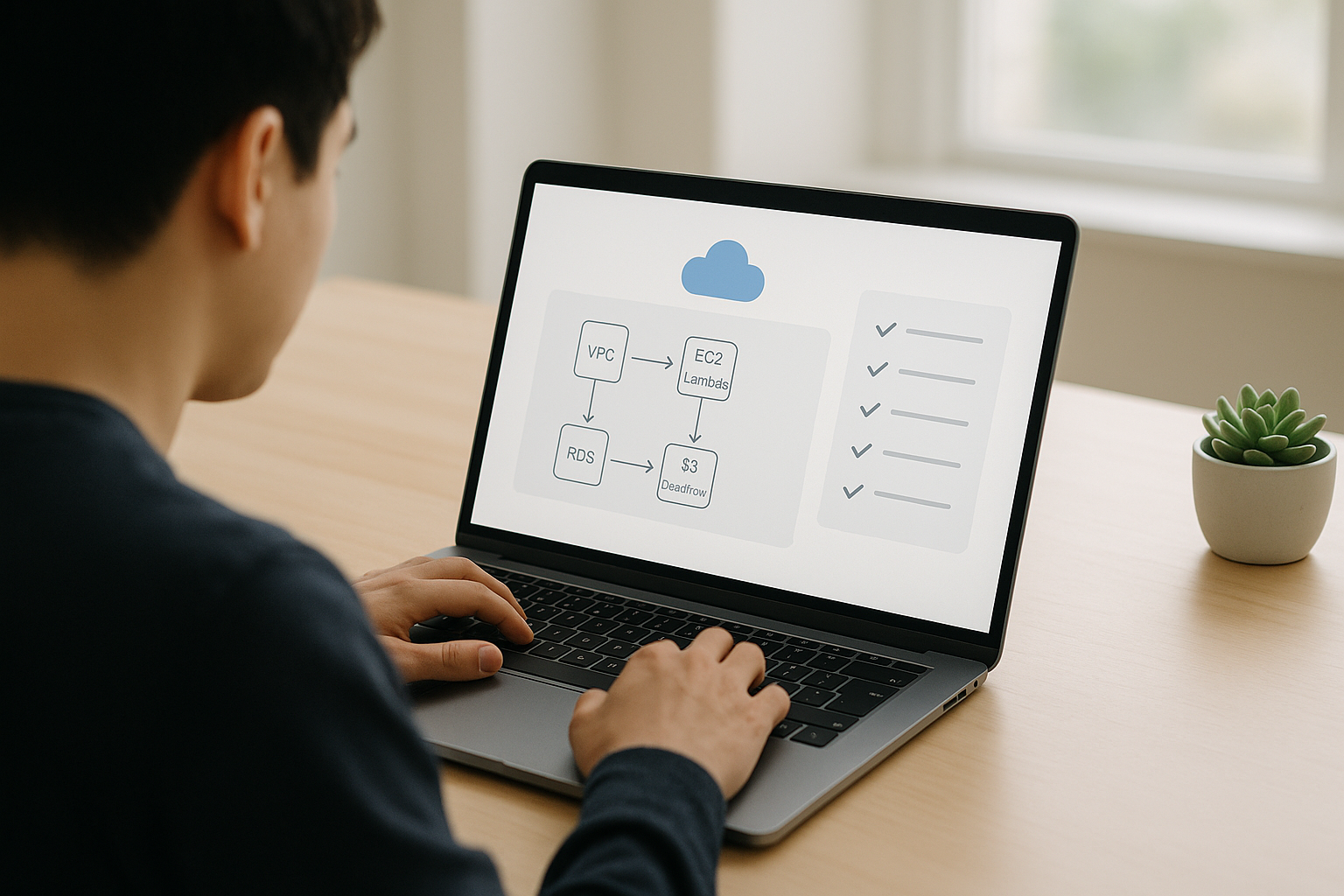
To publish a small web app, aim for a proven pattern: ALB → Auto Scaling Group (EC2) in private subnets, with RDS for relational data and S3 + CloudFront for static assets. The ALB lives in public subnets and forwards only to healthy targets. EC2 instances sit in private subnets and reach the internet via NAT for patching and package installs. Store build artifacts in S3 or ECR (for containers). Use security groups to allow ALB→EC2 and EC2→RDS only on required ports; deny all else by default. Terminate TLS at the ALB with AWS Certificate Manager (ACM), and force HTTPS. AWS Documentation
Steps
- Provision VPC with at least 2 AZs and public/private subnet pairs.
- Create ALB (public); target group points to EC2 instances (private).
- Launch template + Auto Scaling group; use health checks and rolling updates.
- Put static assets on S3; front with CloudFront (OAC).
- Secure groups: restrict inbound to ALB; restrict DB to app tier.
Numbers & guardrails
- Start with min 2 / desired 2 / max 4 instances; scale on CPU or request count.
- Health check intervals around 30 seconds, unhealthy threshold 2–3 often works well. AWS Documentation
Synthesis: This pragmatic stack keeps blast radius small, scales cleanly, and separates concerns so you can evolve each layer independently.
8. Add Observability: CloudWatch, CloudTrail, and X-Ray
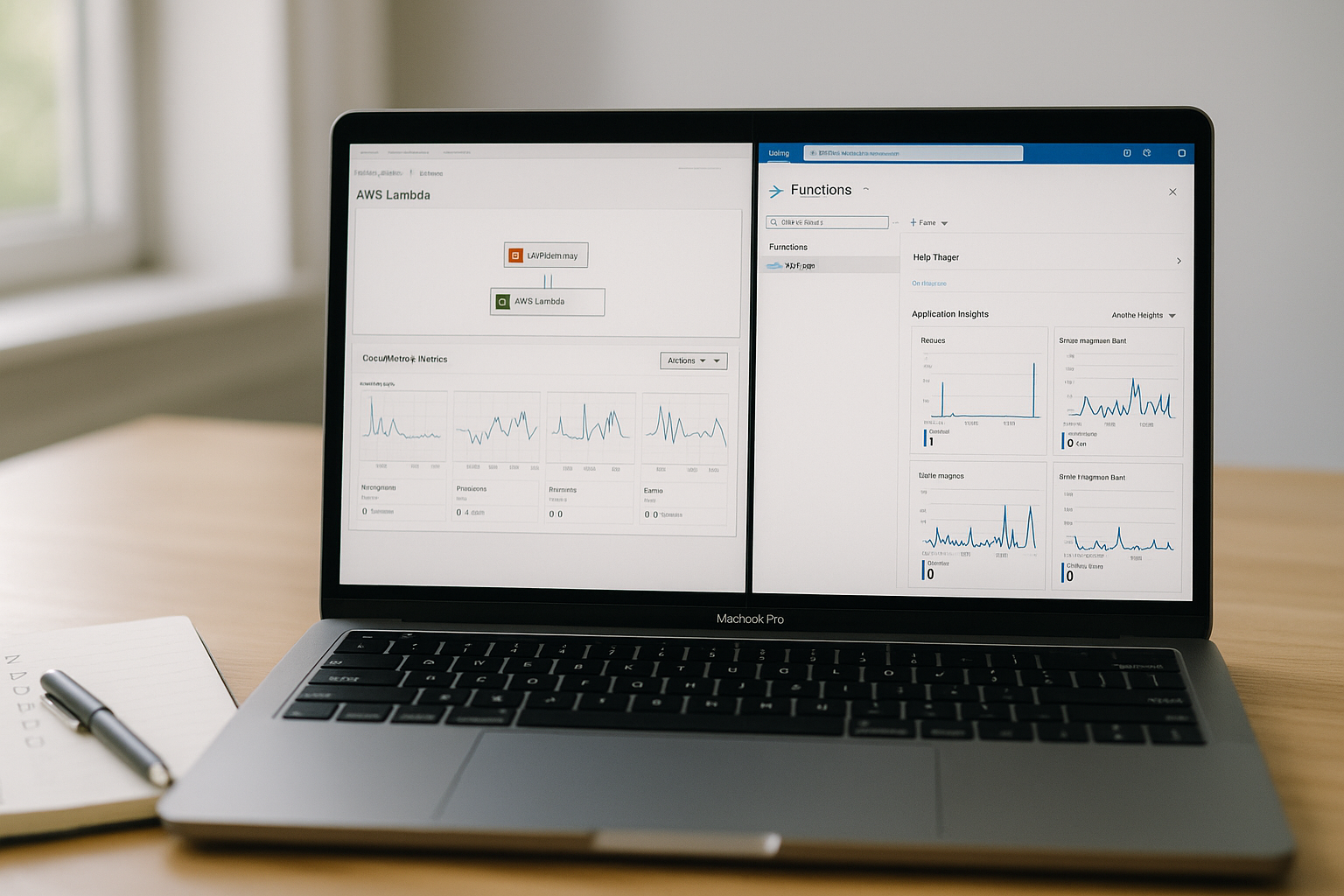
Observability turns symptoms into signals. CloudWatch collects metrics, logs, and alerts; CloudTrail records API activity for governance and incident timelines; X-Ray traces requests across services to expose latency and errors. Start by shipping app logs to CloudWatch, set dashboards for key metrics (CPU, latency, errors), and define alarms for anomalous spikes. Enable Organization-wide CloudTrail with log file validation and store trails in an S3 bucket with restricted access. Add X-Ray to your API to visualize call graphs and identify hot spots. With VPC Flow Logs, capture network flows for security investigations.
How to do it
- Install CloudWatch Agent on EC2; ship structured logs.
- Create CloudWatch alarms (e.g., error rate, 5xx count, CPU).
- Enable CloudTrail in all Regions; centralize to S3 with lifecycle/retention.
- Add X-Ray SDK to your app; sample traces at a modest rate.
Numbers & guardrails
- Start with alarms at p95 latency and error rate > 1–2% for core endpoints.
- Retain CloudTrail logs for months, not days; rotate access to the logs bucket via IAM.
Synthesis: With metrics, logs, traces, and audit events stitched together, you can see issues early and fix them fast. AWS Documentation
9. Apply Security Hygiene: Encryption, Secrets, and Patching
Security is built-in, not bolted-on. Use AWS KMS for encryption keys and enable encryption at rest and in transit wherever supported. Store credentials and API keys in AWS Secrets Manager, not in code or instance user data; rotate them and scope access with IAM conditions. Keep instances current using AWS Systems Manager Patch Manager and maintenance windows. For S3 origins behind CloudFront, use OAC to prevent direct object access. Document your controls as part of your runbooks and test them via tabletop exercises.
Mini-checklist
- Encrypt: enable default encryption (KMS) on S3, EBS, RDS, ECR, and backups.
- Hide secrets: store and reference via Secrets Manager; rotate regularly.
- Patch: schedule OS updates through Patch Manager and track compliance.
- Restrict: use OAC for CloudFront↔S3; keep buckets non-public.
Numbers & guardrails
- Keep one customer-managed KMS key per sensitive data domain (e.g., app-prod-data), not one per bucket/table unless required.
- Trim secret TTL so app restarts/reloads fetch fresh values on rotation.
Synthesis: Consistent encryption, secret handling, and patching close common gaps and align with the shared responsibility model. AWS Documentation
10. Ship with Infrastructure as Code (IaC)
Treat your cloud like code. AWS CloudFormation models stacks of resources from a template; the AWS Cloud Development Kit (CDK) lets you define infrastructure in programming languages and synthesizes CloudFormation under the hood; Terraform provides a vendor-neutral IaC workflow with a mature AWS provider. Pick one and commit: use version control, pull requests, and automated deployments. Start by codifying your VPC, subnets, security groups, and an ALB; then add compute, databases, and monitoring. Use parameters and environment naming (dev, stage, prod) to stamp out consistent environments.
How to do it
- CloudFormation: write a minimal template for VPC + subnets + route tables; deploy as a stack.
- CDK: define constructs for networking and app stacks; synthesize and deploy.
- Terraform: declare the AWS provider, remote state, and modules for VPC/ALB/ASG.
Numbers & guardrails
- Aim for ≤10 minutes end-to-end stack creation for dev.
- Keep <200 resources per stack initially; split by concern when stacks grow.
Synthesis: IaC yields repeatability, reviews, and drift detection—your fastest path from “works on my machine” to stable environments. AWS Documentation
11. Control Costs from Day One
Cost awareness is a feature. Set AWS Budgets with email or chat alerts; tag resources (Project, Env, Owner) so you can slice spend by team; review usage in Cost Explorer and sketch scenarios in the AWS Pricing Calculator. Design for cost: right-size instances, scale down during quiet hours, and avoid idle public IPs, unattached EBS volumes, and forgotten test stacks. Prefer managed autoscaling services and caching where they reduce total compute. Small, frequent reviews beat heroic, last-minute fixes.
Mini case
- You set a monthly $50 budget for a dev sandbox with two EC2 instances, an RDS micro, and S3 assets; Budgets alerts at 80% forecasted spend, prompting you to park instances nightly and remove unused volumes.
How to do it
- Create cost budgets and alerts per account and per tag.
- Use Savings Plans/RIs only once workloads stabilize; start with on-demand.
- Schedule “cost housekeeping” to prune idle resources weekly.
Synthesis: Cost control is easier than cleanup—alerts, tags, and right-sizing habits keep you safe as you scale. Amazon Web Services, Inc.
12. Production Hardening with the Well-Architected Lens
Before you go live, assess your design against the AWS Well-Architected Framework: operational excellence, security, reliability, performance efficiency, cost optimization, and sustainability. Use the review questions to uncover gaps, then prioritize improvements (backups, multi-AZ, runbooks, failure injection, rate limiting). Revisit the shared responsibility view to verify encryption, least privilege, and monitoring are in place. This isn’t a one-time ceremony; schedule periodic reviews as your architecture and traffic evolve.
Numbers & guardrails
- Define RTO/RPO for critical data (e.g., restore within hours, acceptable data loss in minutes); configure backups and multi-AZ accordingly.
- Target ≥2 AZs for stateless tiers, add read replicas or multi-AZ for stateful services.
How to do it
- Run a Well-Architected review; document risks and owners.
- Test failovers, backup restores, and security incident runbooks.
- Automate posture checks with config rules and guardrails over time.
Synthesis: A structured review turns tribal knowledge into a durable, auditable posture—raising confidence for go-live and beyond. Amazon Web Services, Inc.
Conclusion
You now have a practical path from zero to a small, production-ready AWS footprint. You built on fundamentals: a secured account, a clean VPC, well-chosen compute and data services, and a delivery stack with observability and guardrails. You incorporated encryption, secret hygiene, and patching. You wrote your cloud as code so changes are reviewed, tested, and repeatable. And you treated cost and resilience as first-class design inputs, not afterthoughts. The specific services you use will evolve, but the principles here—least privilege, blast-radius reduction, stateless scaling, and continuous review—stay useful across projects and teams. Ready to move? Pick a small app, run through the 12 steps, and ship your first cloud release this week.
Copy-ready CTA: Start your first stack now—secure the account, create the VPC, and deploy your hello-world behind an ALB.
FAQs
1) What is AWS in simple terms?
AWS is a set of on-demand computing services—servers, databases, storage, and networking—that you access through a web console and APIs, paying only for what you use. This utility model lets you focus more on building features and less on racking hardware. For a beginner, that means you can prototype quickly and scale when needed.
2) Which AWS Region should I choose first?
Pick the Region closest to your primary users that supports the services you need. Consider data residency rules and the number of Availability Zones for resilience. If you expect global users, you can still start in one Region and front content with a CDN like CloudFront for reach. AWS Documentation
3) Do I need a VPC right away?
Yes—most workloads run inside a VPC by default. A minimal design (public subnets for entry points, private subnets for apps and data, NAT for egress) gives you control over routing and security from day one. It also avoids painful migrations later as your app grows.
4) What’s the difference between EC2, Lambda, and Fargate?
EC2 gives you virtual machines and full control; Lambda runs your code on demand and scales automatically; Fargate runs containers without you managing servers. Choose based on runtime needs, traffic patterns, and your team’s ops appetite. Many teams start with Fargate or EC2 and add Lambda for asynchronous tasks.
5) How do I keep my account secure as a beginner?
Enforce MFA, avoid long-lived access keys, use IAM roles with least privilege, and store secrets in Secrets Manager. Encrypt data at rest and in transit with KMS wherever possible. Patch operating systems using Systems Manager and monitor activity via CloudTrail.
6) How do I monitor my app?
Use CloudWatch for metrics, logs, and alarms; enable CloudTrail for API auditing; add X-Ray for tracing distributed requests; and optionally turn on VPC Flow Logs for network visibility. Start with a few meaningful alarms (latency, error rate, CPU) to avoid alert fatigue.
7) How should I choose between RDS and DynamoDB?
If your data needs schemas, joins, and complex queries, choose RDS. If you have high-scale, key-value access patterns and can design around partition keys and predictable queries, choose DynamoDB. You can also mix: transactional core on RDS, activity feeds on DynamoDB.
8) Can S3 really host my website?
Yes—for static sites (HTML, CSS, JS). Pair S3 with CloudFront and OAC to deliver securely over HTTPS and block direct bucket access. For dynamic apps, keep S3 for assets and use compute for the backend.
9) How do I estimate AWS costs before launching?
Create a quick scenario in the AWS Pricing Calculator and set AWS Budgets alerts. Tag resources so you can attribute spend to projects and environments. Review costs weekly until patterns stabilize and right-size where needed.
10) What is the AWS Well-Architected Framework?
It’s a set of principles and questions across six pillars—operational excellence, security, reliability, performance efficiency, cost optimization, and sustainability—to assess and improve your architecture. Running a review exposes risks and gives a prioritized improvement plan.
References
- Shared Responsibility Model, AWS Risk & Compliance Whitepaper, Amazon Web Services — https://docs.aws.amazon.com/whitepapers/latest/aws-risk-and-compliance/shared-responsibility-model.html
- AWS Global Infrastructure: Regions & Availability Zones, Amazon Web Services — https://aws.amazon.com/about-aws/global-infrastructure/regions_az/
- Subnet Sizing for IPv4, Amazon VPC User Guide, Amazon Web Services — https://docs.aws.amazon.com/vpc/latest/userguide/subnet-sizing.html
- Security Best Practices in IAM, AWS Identity and Access Management User Guide, Amazon Web Services — https://docs.aws.amazon.com/IAM/latest/UserGuide/best-practices.html
- Hosting a Static Website on Amazon S3, Amazon S3 User Guide, Amazon Web Services — https://docs.aws.amazon.com/AmazonS3/latest/userguide/WebsiteHosting.html
- Restrict Access to an Amazon S3 Origin (OAC), Amazon CloudFront Developer Guide, Amazon Web Services — https://docs.aws.amazon.com/AmazonCloudFront/latest/DeveloperGuide/private-content-restricting-access-to-s3.html
- What Is Amazon CloudWatch?, Amazon CloudWatch User Guide, Amazon Web Services — https://docs.aws.amazon.com/AmazonCloudWatch/latest/monitoring/WhatIsCloudWatch.html
- What Is AWS CloudTrail?, AWS CloudTrail User Guide, Amazon Web Services — https://docs.aws.amazon.com/awscloudtrail/latest/userguide/cloudtrail-user-guide.html
- AWS Systems Manager Patch Manager, User Guide, Amazon Web Services — https://docs.aws.amazon.com/systems-manager/latest/userguide/patch-manager.html
- AWS Key Management Service (Overview), Developer Guide, Amazon Web Services — https://docs.aws.amazon.com/kms/latest/developerguide/overview.html
- AWS Pricing Calculator (Getting Started), User Guide, Amazon Web Services — https://docs.aws.amazon.com/pricing-calculator/latest/userguide/getting-started.html
- AWS Budgets: Managing Your Costs, Cost Management User Guide, Amazon Web Services — https://docs.aws.amazon.com/cost-management/latest/userguide/budgets-managing-costs.html
- AWS Well-Architected Framework (Welcome), Amazon Web Services — https://docs.aws.amazon.com/wellarchitected/latest/framework/welcome.html
- What Is Amazon EC2?, Amazon EC2 User Guide, Amazon Web Services — https://docs.aws.amazon.com/AWSEC2/latest/UserGuide/concepts.html
- What Is AWS Lambda?, AWS Lambda Developer Guide, Amazon Web Services — https://docs.aws.amazon.com/lambda/latest/dg/welcome.html
- Architect for AWS Fargate (ECS), Amazon ECS Developer Guide, Amazon Web Services — https://docs.aws.amazon.com/AmazonECS/latest/developerguide/AWS_Fargate.html
- What Is Amazon RDS?, Amazon RDS User Guide, Amazon Web Services — https://docs.aws.amazon.com/AmazonRDS/latest/UserGuide/Welcome.html
- What Is Amazon DynamoDB?, Amazon DynamoDB Developer Guide, Amazon Web Services — https://docs.aws.amazon.com/amazondynamodb/latest/developerguide/Introduction.html
- AWS CloudFormation (What Is), User Guide, Amazon Web Services — https://docs.aws.amazon.com/AWSCloudFormation/latest/UserGuide/Welcome.html
- What Is the AWS CDK?, AWS Cloud Development Kit v2 Developer Guide, Amazon Web Services — https://docs.aws.amazon.com/cdk/v2/guide/home.html