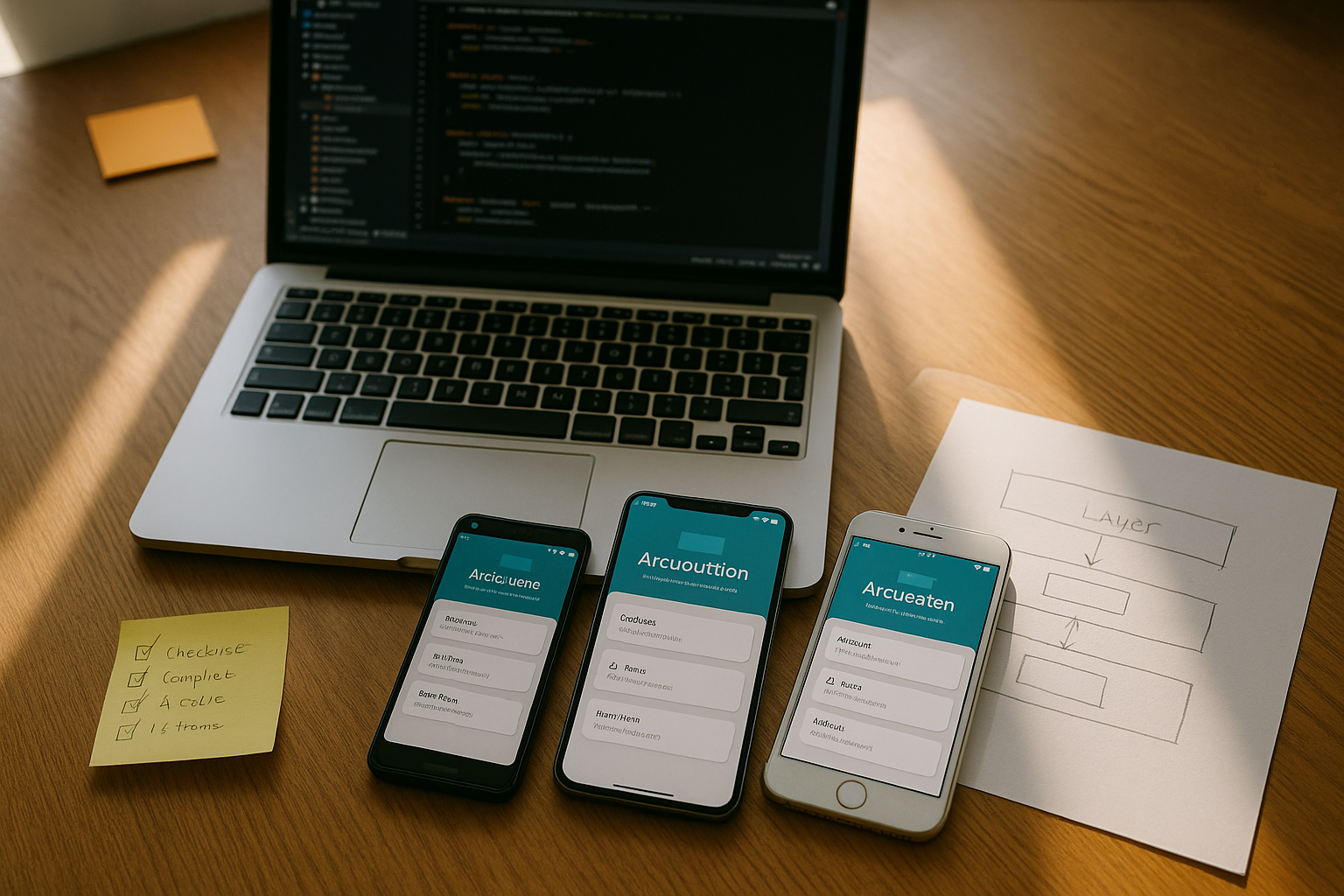
If your app must be trustworthy where connectivity is patchy, offline-first mobile apps are the way to go. In plain terms, “offline-first” means your core features continue to work without a network, and when the network returns, the app synchronizes changes safely and predictably. Here’s the crisp answer: you design for local correctness first, and then layer in synchronization that is resilient, efficient, and conflict-aware. To get there, follow these 12 steps: map offline journeys; choose the right local database; architect repositories and queues; design pull/push and deltas; set conflict policies; capture changes reliably; schedule background work; handle network state and backoff; harden security; test for nasty edge cases; instrument and message your users; and roll out carefully. Nail these, and you’ll ship an app that feels instant, saves bandwidth, and preserves user trust.
Skimmable path forward (12 steps): scope offline journeys → pick storage → layer repositories & caches → choose sync patterns → define conflict rules → implement an outbox → schedule background sync → manage connectivity & retries → secure data → test chaos/offline cases → add observability & UX messaging → roll out with migrations and guardrails.
1. Decide What “Offline” Must Do: Scope Critical Journeys
Start by defining exactly what must work without a network and where you can degrade gracefully. The first two sentences you need to write are: “When offline, users can still ___ and ___,” and “When reconnecting, the app will ___.” This forces clarity around core flows, the data each flow needs locally, and the moments where you should show queued actions versus hard errors. Identify read-only versus read-write paths: reading cached lists is cheap; enabling edits, comments, and uploads while offline demands stronger guarantees. Decide what to show during reconciliation: optimistic UI (showing the user’s changes immediately) reduces friction, but you must communicate status (“queued,” “syncing,” “conflicted”) and provide recovery. Finally, list “must nots”: what you will deliberately disable offline (e.g., account deletion, payment capture) to avoid regulatory or integrity risks.
Mini-checklist — define the scope:
- Critical offline tasks: which actions really matter (create, edit, view, search).
- Data needed locally: fields, relationships, and any computed indexes.
- Degraded experiences: what becomes read-only or hidden.
- Queue semantics: how offline writes are captured and surfaced to users.
- Reconciliation UX: status chips, retry buttons, conflict banners.
Numbers & guardrails
- Aim to cover 80–90% of the top daily journeys offline; for long-tail features, prefer graceful fallback.
- Keep queued action size under 1–2 MB per item when attachments exist; stream large media separately.
- Budget for < 300 ms average local read latency for “instant” feel; write latency is typically < 50 ms on modern devices.
Close by rewriting your product requirements as testable offline acceptance criteria. That list becomes your north star for the remaining steps.
2. Choose a Local Storage Engine and Data Model That Fit Your App
Your choice of on-device storage affects speed, reliability, developer productivity, and how hard synchronization will be. SQLite is ubiquitous across platforms, battle-tested, and a strong default for structured data, with full-text search and transactions; it ships on every major phone and many frameworks provide ergonomic layers on top. On Android, Room provides a type-safe abstraction over SQLite with compile-time queries and a simple path to cache and persist domain entities. On iOS, Core Data offers an object graph with change tracking, undo, and faulting that can back to SQLite under the hood. For document-style or sync-centric apps, Couchbase Lite or Realm provide object/document APIs with built-in change notifications and sync ecosystems.
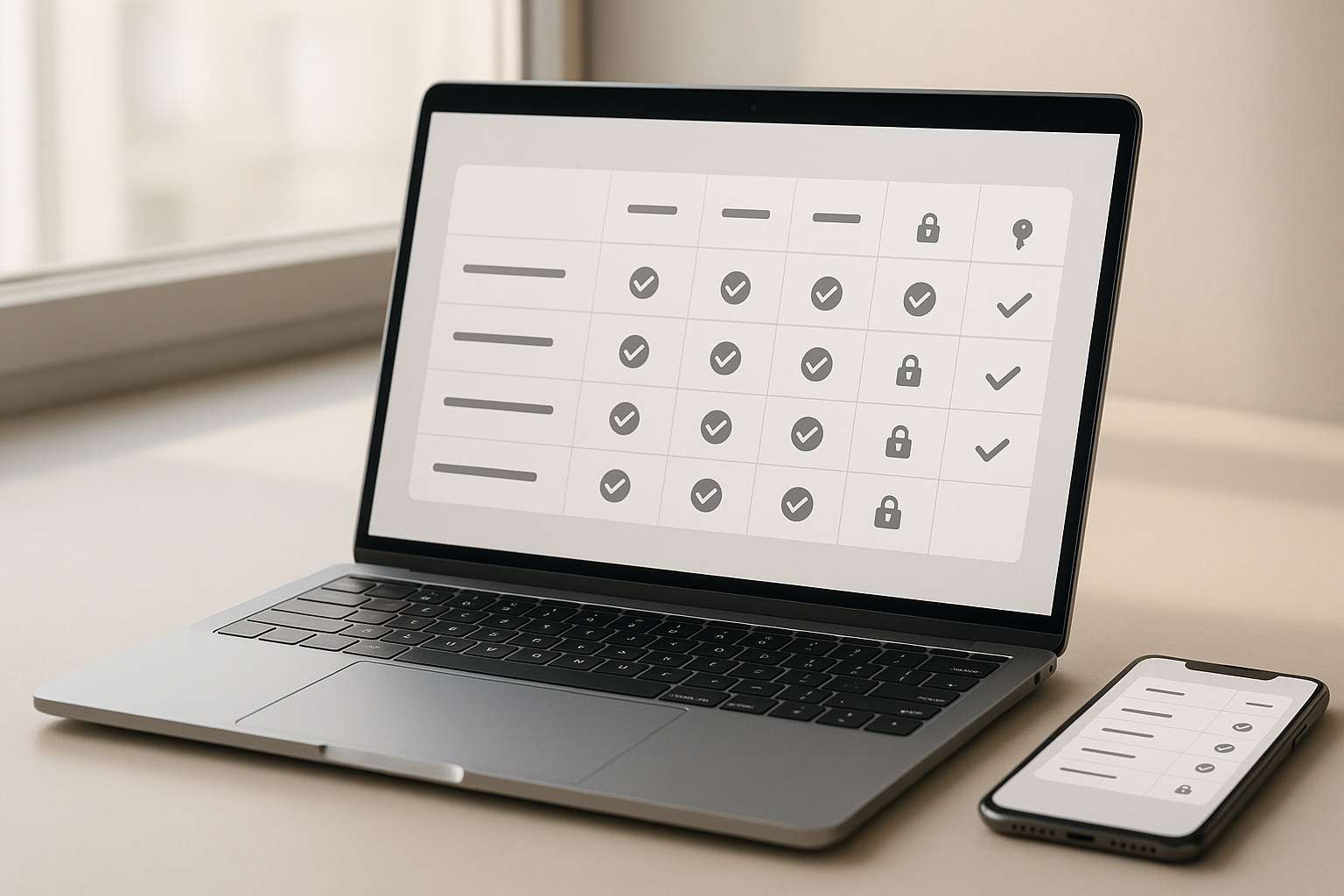
Tiny comparison table (pick by needs):
| Engine | Data model | Platforms | Built-in sync story | Notes |
|---|---|---|---|---|
| SQLite (Room/Core Data wrappers) | Relational | Android, iOS, cross-platform | DIY or third-party | Highest control; mature; great for complex queries. |
| Realm | Object/Document | iOS, Android, others | Realm Sync (optional) | Live objects; reactive; easy data binding. |
| Couchbase Lite | JSON Document | Android, iOS, .NET, C | Sync Gateway | Designed for offline-first; peer-to-peer options. |
How to decide
- If you need rich querying and well-understood transactions, start with SQLite via Room/Core Data.
- If your domain is document-shaped and you want a vendor-supported sync, evaluate Couchbase Lite or Realm.
- For binary media, store files in the filesystem with metadata only in DB; stream uploads separately.
Numbers & guardrails
- Keep a single on-device DB under 200–500 MB for most consumer apps; shard large media outside the DB.
- Use UUIDs as stable client IDs to reconcile across devices; RFC 4122 describes a 128-bit identifier.
Commit to a model early: schemas, indexes, and primary keys are the rails your sync engine will run on later.
3. Architect the Data Layer: Repositories, Caches, and a Durable Outbox
A clean data layer prevents sync logic from leaking into screens. Implement repositories that expose domain operations (getTasks(), addComment()) and abstract storage/sync. Use a read cache (normalized entities, lightweight projections) for rendering. Add a durable outbox queue to capture offline writes; every write becomes an intent stored locally with a unique client ID, payload, timestamp, and dependencies. Reads come from the local store; writes go to the outbox and the UI updates optimistically, labeling items as “pending.”
Recommended structure
- DAO/Repository layer: single entry point for data mutations/reads.
- Entity store: normalized tables/collections with indexes for list views and lookups.
- Outbox table: id, operation type, payload, version, retry_count, last_error.
- Sync coordinator: consumes outbox under constraints (network/charge/foreground), handles responses.
Why this matters
- You get testability: fake the repositories to simulate offline.
- You get observability: outbox state is a live dashboard of pending work.
- You prevent UI coupling: synchronization remains a platform service, not a screen concern.
Mini-checklist
- Transactionally persist the domain write and the outbox record together.
- Never block UI on network; all remote work happens via background jobs.
- Keep outbox operations idempotent using client IDs and server de-duplication.
Wrap up: a well-factored data layer is the foundation that lets you iterate on sync safely.
4. Design Synchronization: Pull, Push, Deltas, and Validation
With storage set, decide how devices and server exchange state. Most apps implement pull (periodic or event-driven GETs to fetch updates) and push (POST/PATCH queued writes). To save bandwidth and time, optimize pulls with delta sync—fetch only what changed since a version/clock—and optimize pushes with partial updates using JSON Patch (RFC 6902) so you send “change sets,” not whole documents. For cache validation, rely on HTTP ETags and If-None-Match to skip unchanged payloads and avoid mid-air collisions on updates.
Patterns to mix and match
- Versioned list endpoint: GET /items?since=cursor returns only new/changed IDs + version.
- Windowed backfill: on first run, page by page; thereafter, only deltas.
- Server-assigned version clocks: monotonically increasing integers or timestamps.
- Client-side filters: fetch only user-visible subsets to stay small.
Numbers & guardrails
- For lists, target delta payloads of < 100 KB per sync cycle on mobile data; batch beyond that.
- Commit to idempotent mutations: server should treat repeated client IDs as harmless repeats.
- Tune sync interval to 30–300 seconds when foreground and 15–60 minutes in background, unless you have push notifications to trigger immediate refresh.
You’ll soon need conflict handling; that’s next.
5. Define Conflict Detection and Resolution Rules Up Front
Conflicts happen when two replicas edit the same entity while disconnected. Don’t postpone this decision: document the rules now. At minimum, choose a detection strategy (per-field versions, vector clocks, or last-writer-wins with timestamps) and one or more resolution policies (merge by domain rules, server-side precedence, or CRDTs for auto-merging data types). CRDTs (Conflict-Free Replicated Data Types) guarantee that replicas converge under concurrent updates for certain structures such as counters, sets, and lists; they’re a powerful fit for collaborative fields and logs.
How to do it
- Detect: attach version, updated_at, or per-field clocks to payloads.
- Resolve: specify policy per field: e.g., max(value) for counters, union for tag sets, LWW for simple strings, domain-aware merge for names/addresses.
- Escalate: if automatic merge fails, surface a conflict task to a moderation screen with “yours/theirs” diffs.
Numbers & guardrails
- Expect < 2% of writes to conflict in typical consumer apps; measure it and keep it below 5% with good UX and deltas.
- Keep resolution latency under 2 seconds in foreground to preserve the sense of immediacy.
Tools/Examples
- Libraries like Automerge provide CRDT structures that auto-merge concurrent edits for JSON-like data.
Document your rules and treat them as part of your API contract; revisiting conflict semantics later is costly.
6. Capture Changes Reliably with an Operation Log (The Outbox Pattern)
To make offline writes safe, every user action that mutates data must produce a durable record in a local operation log (your outbox). The log should capture: a stable client-generated ID (UUID), the API endpoint/method, the minimal payload (ideally a JSON Patch), and the current version/ETag. This lets you retry safely and supports at-least-once delivery. When a server response returns success, mark the log entry complete; when it returns a conflict or validation error, keep it and annotate the error so the UI can prompt the user to edit or retry.
Implementation essentials
- Wrap “write + outbox append” in a transaction.
- Serialize dependent operations (e.g., create → update) with a lightweight DAG or depends_on.
- Store a fully rendered request so your worker can execute it later without touching UI code.
- Garbage-collect completed entries after a retention window (e.g., 7–30 days) for auditability.
Mini-checklist
- Use version-aware writes (If-Match: <etag>) to catch overwrite risk early.
- Make responses include the server state (fresh version, normalized entity) to update caches immediately.
- Provide a small dev console to inspect outbox items on device.
When the outbox is your single source of truth for writes, sync becomes predictable, debuggable, and testable.
7. Schedule Background Work Responsibly (and Portably)
Offline-first systems earn trust by syncing without the user babysitting the app. On Android, WorkManager is the standard API for deferrable, guaranteed background work with constraints like charging, network type, and backoff; use it to run your sync job chain. On iOS, use BackgroundTasks (e.g., BGAppRefreshTask, BGProcessingTask) to keep content fresh and to run longer processing work. Design your scheduler layer so business code is platform-agnostic: a single SyncCoordinator.run() invoked by WorkManager on Android and BackgroundTasks on iOS.
Numbers & guardrails
- Use exponential backoff with jitter; cap retries around 5–7 attempts per operation before surfacing to the user.
- For background refreshes, plan 15–60 minute windows when idle; prefer event-driven sync (push) to reduce battery drain.
- Chain work in small units (3–10 operations per batch) to avoid watchdog timeouts.
Mini-checklist
- Respect constraints (unmetered vs. metered network, battery level).
- Tag jobs by account and collection to avoid locking contention.
- Make your sync idempotent so rescheduling is safe after process death.
Users never think about schedulers—but they feel the difference when sync “just works.” Android Developers
8. Monitor Connectivity, Apply Backoff, and Recover Gracefully
Connectivity is messy: Wi-Fi without internet, captive portals, and flaky radio transitions. On iOS, prefer NWPathMonitor (or legacy SCNetworkReachability) to observe network path changes; on Android, listen for connectivity changes and test sockets before heavy sync. Apple Developer Treat “online” as a capability (can I reach my API endpoint?) not just “has an interface.” Implement a retry strategy with exponential backoff and random jitter to avoid the thundering herd when networks recover. Combine progressive enhancement: fetch tiny health endpoints first, then larger deltas.
Numbers & guardrails
- Initial retry delay 1–2 seconds, multiplier ×2, max 5–15 minutes; add ±20% jitter.
- Consider a circuit breaker: after N=3–5 consecutive failures, pause sync and display a toast/banner with “Tap to retry.”
Mini-checklist
- Use short connect/read timeouts (e.g., 1–3 s connect, 5–10 s read).
- Split large sync into pages of 100–500 entities.
- Detect portal Captive Network scenarios and pause until authenticated.
Stable backoff and clear UX will make transient outages invisible—and protect your servers when they come back online.
9. Secure Data at Rest and In Transit Without Sacrificing UX
Offline means data lives on the device, so treat it like a wallet. Encrypt sensitive tables or the whole database when the platform makes it easy. Use OS-level secure storage (Keychain/Keystore) for secrets and keys; never hard-code them. Hash PII you don’t need in cleartext. For transport, enforce TLS and consider certificate pinning for high-risk domains. Avoid storing raw tokens in the database; fetch short-lived credentials and refresh them at sync time. Provide a fast remote wipe path (react on next connect) and ensure that deleting an account clears local caches and the outbox.
Region-specific notes
- Data residency: if you shard by region, ensure outbox routes to the correct base URL based on the user’s tenant.
- Right to erasure: design your sync to propagate deletes promptly; deletions should be first-class operations with tombstones.
Mini-checklist
- Encrypt backups if the platform allows backing up your app data.
- Lock sensitive screens behind OS biometrics when appropriate.
- Log only non-sensitive sync metadata on device; strip payloads from crash logs.
Security done early prevents painful refactors later and protects users when devices are lost or shared.
10. Test Offline Scenarios, Conflicts, and Chaos—Not Just Happy Paths
Great offline UX emerges from adversarial testing. Script connectivity toggles mid-operation, inject latency, and simulate server errors. Record “offline scripts” that QA can replay: open app, queue edits, kill process, toggle airplane mode, restart, reconnect, watch sync and conflict prompts. Build test fixtures for common conflict cases (two users edit same field; delete vs. edit; set membership tweaks). Use local mock servers to serve deltas, return 409 Conflict, and feed ETag/If-Match variations to validate your client logic. Also test migration paths: install an old build, create data offline, then upgrade to the new schema and sync—your worst-case real-world path.
Numbers & guardrails
- Target p95 sync time under 5 seconds for a typical delta on average networks.
- Keep error-free sync success above 98% over multi-day test runs.
- Smoke-test with 1,000–10,000 entities per collection to expose paging bugs.
Mini-checklist
- Use platform schedulers to trigger background jobs in tests (WorkManager test drivers, BackgroundTasks submitDebug).
- Record network traces, including request IDs and versions, to debug reconciliation.
- Add synthetic chaos: randomly kill the app during commit to verify idempotence.
By forcing failures in the lab, you ship a client that is calm under pressure in the wild.
11. Observe, Explain, and Help the User Recover
Observability turns your data layer into a living system you can operate. Emit structured logs and metrics for sync: attempts, successes, conflicts, retries, payload sizes, durations. Capture client build and schema versions in headers. Build a minimal Sync Status view in Settings that lists queued items and last successful sync time per collection. For cache correctness, surface subtle states (“stale,” “paused,” “needs sign-in”). Tooling matters too: on Android, WorkManager exposes work status and chaining; on iOS, BackgroundTasks has logs and diagnostics you can mirror into your app’s debug menu.
Numbers & guardrails
- Alert internally if conflict rate exceeds 5% or if average payload size climbs above 500 KB.
- Emit sampled payload histograms to plan compression and schema tweaks.
- Keep user-visible sync banners unobtrusive; aim for < 2 persistent banners per session.
Mini-checklist
- Provide a retry all and clear failed action in the queue screen.
- Explain conflicts in plain language and show diffs when possible.
- Log versions/ETags on both request and response for every mutation.
When you can see the system clearly—and users can too—trust grows and support load drops.
12. Roll Out Gradually and Keep a Resilience Playbook
Synchronization logic evolves. Ship it behind feature flags and roll out gradually to cohorts. Maintain a resilience playbook for incidents: how to pause sync globally, how to invalidate a bad delta cursor, how to patch clients with a “reset and rehydrate” command, and how to drain oversized queues safely. Instrument your APIs to detect “poison” payloads early and return actionable errors. Keep your schema migration strategy ready: write forward- and backward-compatible changes, and use a migration table to track progress on device. For rollbacks, ensure the client can downgrade gracefully without corrupting local data.
Mini-checklist
- Feature-flag risky transforms (e.g., switching to JSON Patch, enabling CRDT fields) per collection.
- Allow server-driven sync intervals and cut-offs to taper load.
- Keep a “safe reset” path that clears caches while preserving user drafts.
Numbers & guardrails
- Keep cohort sizes small at first (e.g., 1% → 5% → 25% → 100%) and watch conflict/retry metrics between steps.
- Put a hard cap on queued operations (e.g., 5,000 per user) and prompt the user to review when approaching limits.
Resilience is not an afterthought—it’s a steady habit that turns your offline-first design into a dependable production system.
Conclusion
Building an offline-first app is less about a single clever algorithm and more about stacking dependable choices. You scoped which flows must work with zero connectivity; you chose a storage engine and a data model that suit your domain; you set up repositories, caches, and a durable outbox; and you designed sync to be delta-aware, idempotent, and conflict-savvy. From there, you scheduled background work responsibly, handled messy connectivity with backoff and jitter, secured user data, and tested aggressively with chaos. Finally, you added observability and a human-readable status surface so users feel in control, then rolled out changes with guardrails and a playbook. Follow the 12 steps in this guide, and your app will feel fast, honest, and robust—even when the network isn’t. Ready to start? Pick your storage engine, implement the outbox, and ship your first offline journey this sprint.
FAQs
1) What’s the shortest path to make an existing app “offline-first”?
Start with read-only caching of your most-used screens, then add a durable outbox for one high-value write path. Wire a background scheduler to process the outbox under network constraints and render optimistic UI. Once this vertical slice works end-to-end, expand to other entities and add delta sync to reduce payloads. If conflicts appear, add per-field versions or a simple last-writer-wins policy, and later evolve to domain-specific merges.
2) How do I choose between SQLite (Room/Core Data) and document stores (Realm/Couchbase Lite)?
Pick based on your data shape and query needs. If you have complex joins, strict relational integrity, and heavy filtering, SQLite with Room/Core Data is a strong default. If you prefer object/document access patterns, live change notifications, and a vendor-provided sync stack, Realm or Couchbase Lite can simplify work. It’s common to store binary media outside the database either way, keeping only metadata in tables/documents.
3) What’s the best way to avoid sending whole documents on every update?
Use partial updates. JSON Patch lets clients send only the operations needed to transform the server’s document—think “replace this title” or “add this tag”—and it pairs well with ETags and conditional requests. This lowers bandwidth and reduces merge friction compared to full PUTs.
4) Do I really need conflict resolution if I’m the only editor of my data?
Even with single-user apps, multi-device usage (phone + tablet) and delayed sync can cause overlaps. At minimum, detect version mismatches and surface a simple, human-readable merge. For collaborative fields, CRDTs offer automatic convergence for counters, sets, and lists, making them ideal for comments, tags, and checklist-style data.
5) How often should I sync in the background?
Prefer event-driven sync (push notifications or server-driven signals). When polling, use short intervals in foreground (tens of seconds) and longer intervals in background (tens of minutes), with exponential backoff and jitter when errors occur. Respect OS constraints and use official schedulers—WorkManager on Android, BackgroundTasks on iOS—for reliability and battery health.
6) What’s the simplest conflict policy to start with?
A pragmatic start is last-writer-wins per field guarded by a version/ETag. It’s easy to implement and acceptable for many scalar fields. As your app grows, migrate specific fields to merge functions (e.g., union sets, max counters) or CRDTs for collaborative text and lists where automatic convergence is valuable. Always log conflicts to improve your policies over time.
7) How do I keep the outbox from growing forever?
Set a retention window and a maximum queue length. Clean up successfully processed operations after a set number of days, and pause new writes when the queue is near capacity, prompting users to review or connect to a stable network. Use compact JSON Patch payloads and stream large uploads separately to keep items small. Aim to keep typical items under 1–2 MB.
8) What’s a safe way to identify local records before the server assigns IDs?
Generate UUIDs (client IDs) for all new entities and send them with mutations; the server should echo back the client ID alongside the server ID so the client can reconcile and de-duplicate. UUIDs are 128-bit identifiers designed for uniqueness without central coordination. IETF Datatracker
9) Should I encrypt the whole database?
Encrypting the entire database can be straightforward with some engines and libraries; at minimum, encrypt sensitive tables and store keys in the OS keystore/keychain. Keep performance in mind and profile critical queries. Regardless, always encrypt in transit (TLS), rotate secrets, and avoid storing long-lived tokens in the DB.
10) How do I validate cache freshness efficiently?
Use HTTP validators: ETag with If-None-Match for reads, and If-Match on writes to guard against overwrites. This makes reads cheap (the server can return 304 Not Modified) and catches lost updates on mutation. Pair this with delta endpoints to limit payloads to what changed.
11) What if my app needs real-time collaboration offline and then merges later?
That’s a classic fit for CRDTs or operation logs that merge deterministically. Libraries like Automerge provide JSON-like CRDTs that merge concurrent edits automatically without locking, which can be layered on top of your storage and sync transport. Start with a single collaborative field (e.g., notes) before expanding.
12) Can I reuse these patterns for PWAs or desktop apps?
Yes. The core ideas—local cache, outbox, deltas, validators, conflict policies—apply to PWAs and desktop apps. The APIs differ (Service Workers for PWAs, platform schedulers for desktop), but the architecture is portable. If you use the same server contracts (client IDs, versions, delta endpoints), you can share sync logic across platforms.
References
- SQLite Home Page, SQLite, last updated 30 Jul, sqlite.org
- Save data in a local database using Room, Android Developers, 10 Feb, Android Developers
- Core Data, Apple Developer Documentation, undated, Apple Developer
- Couchbase Lite Documentation (Overview & Sync Gateway), Couchbase Docs, undated, and https://docs.couchbase.com/couchbase-lite/current/c/replication.html docs.couchbase.com
- Using Delta Sync with AWS AppSync, AWS AppSync Developer Guide, undated, AWS Documentation
- RFC 6902: JavaScript Object Notation (JSON) Patch, IETF, Mar, IETF Datatracker
- HTTP Caching & Conditional Requests (ETag, If-None-Match), MDN Web Docs, 04 Jul and 28 Jul, and https://developer.mozilla.org/en-US/docs/Web/HTTP/Reference/Headers/ETag and https://developer.mozilla.org/en-US/docs/Web/HTTP/Reference/Headers/If-None-Match MDN Web Docs
- WorkManager (Background Work on Android), Android Developers, undated, Android Developers
- BackgroundTasks Framework, Apple Developer Documentation, undated, Apple Developer
- Conflict-Free Replicated Data Types (CRDTs), Shapiro et al., research reports, undated, and overview https://www.lri.fr/~mbl/ENS/CSCW/2021/papers/CRDT-study11.pdf pages.lip6.fr
- Automerge Documentation (CRDT library), Automerge, undated, automerge.org